
The world's first Director's DCC is here.
An AI-powered, browser-based DCC — from concept art to a finished 3D scene, all in your browser.
Plan · Generate · Assemble · Collaborate
Sync to Blender & Unreal Engine 5 WIP
No install · No credit card · Runs entirely in your browser
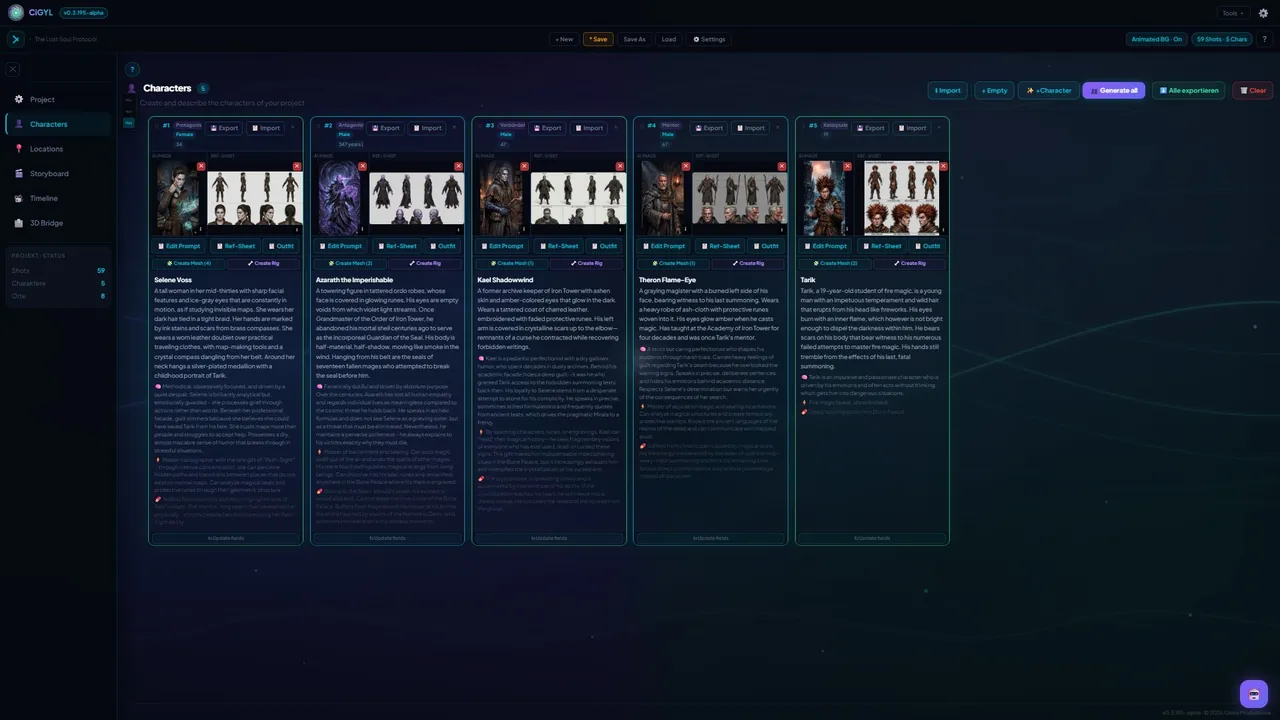
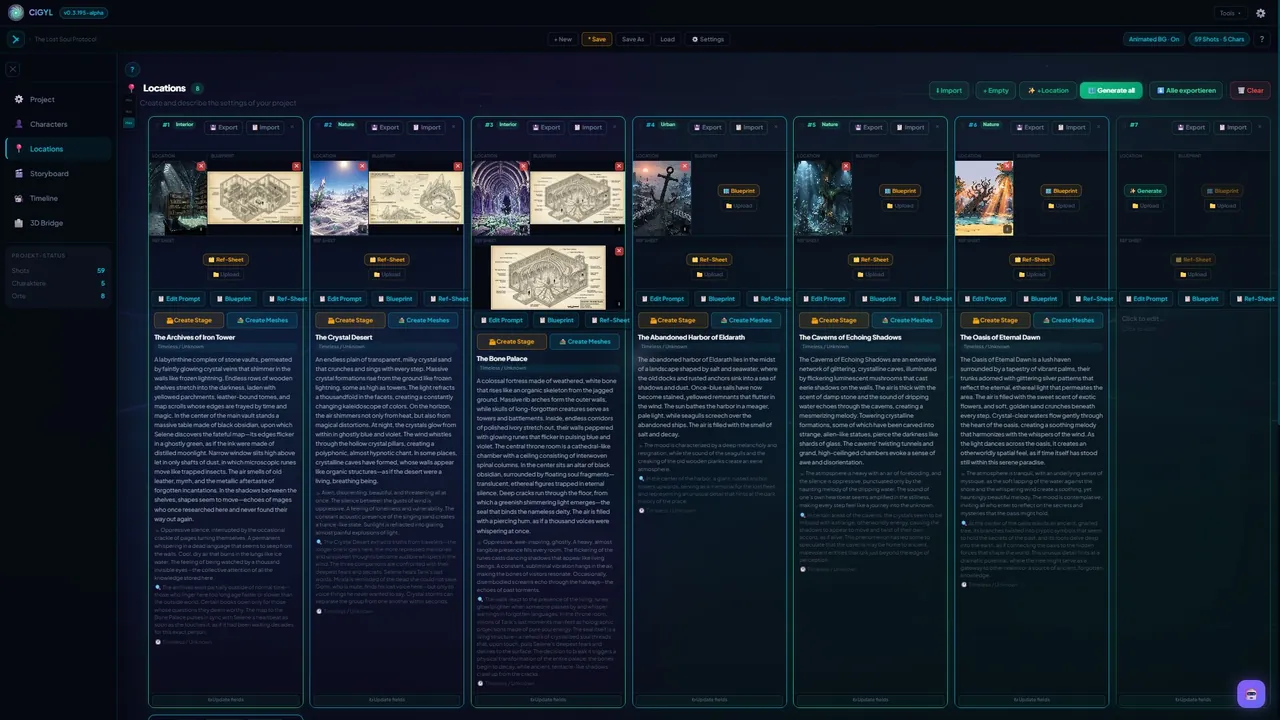
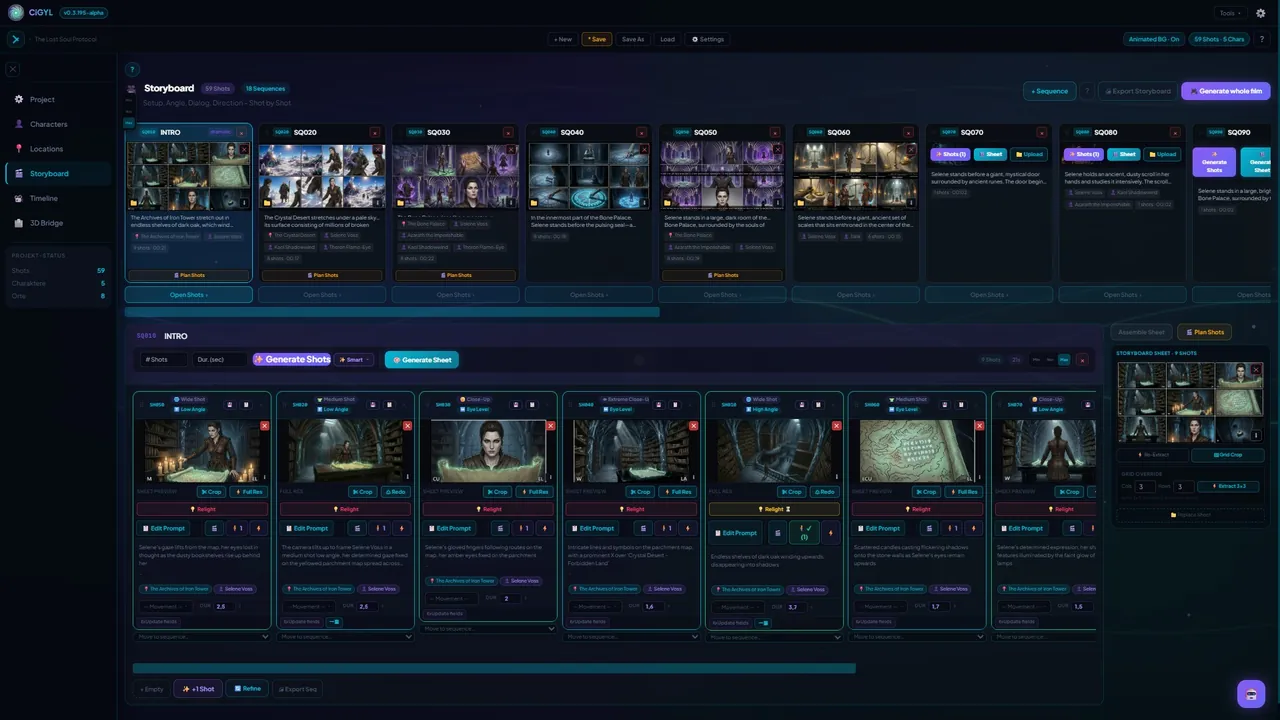
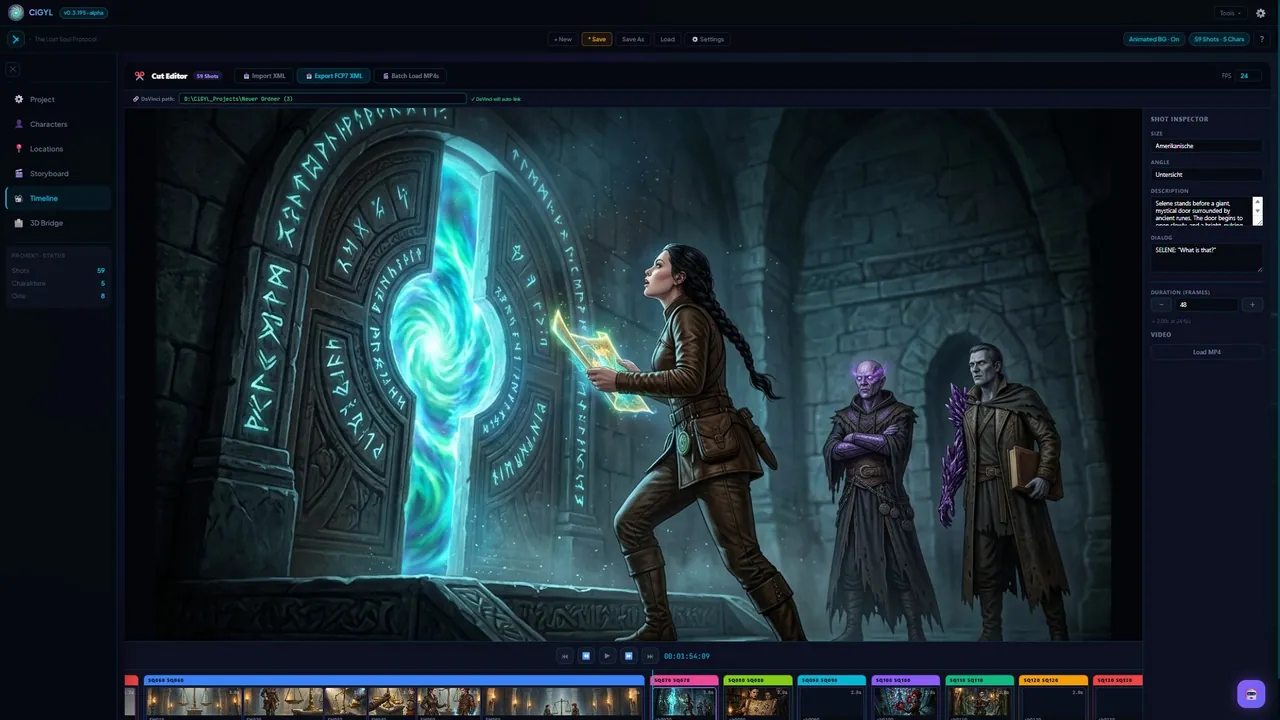
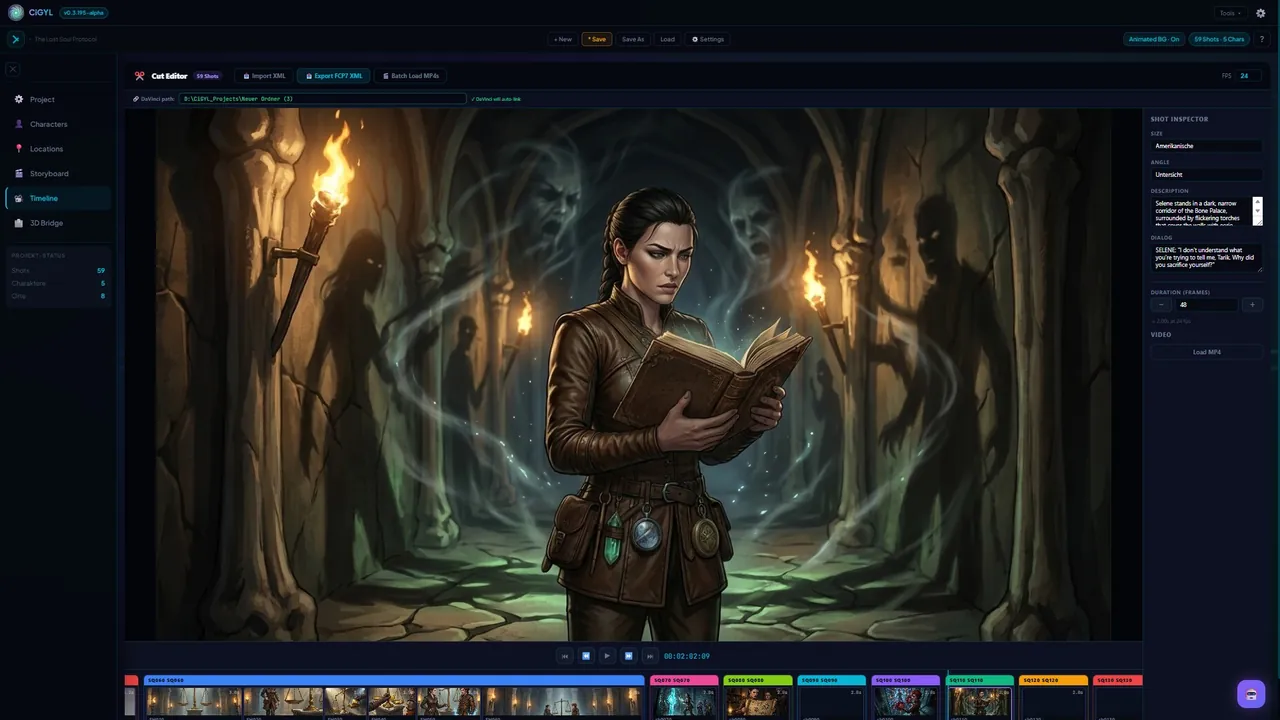
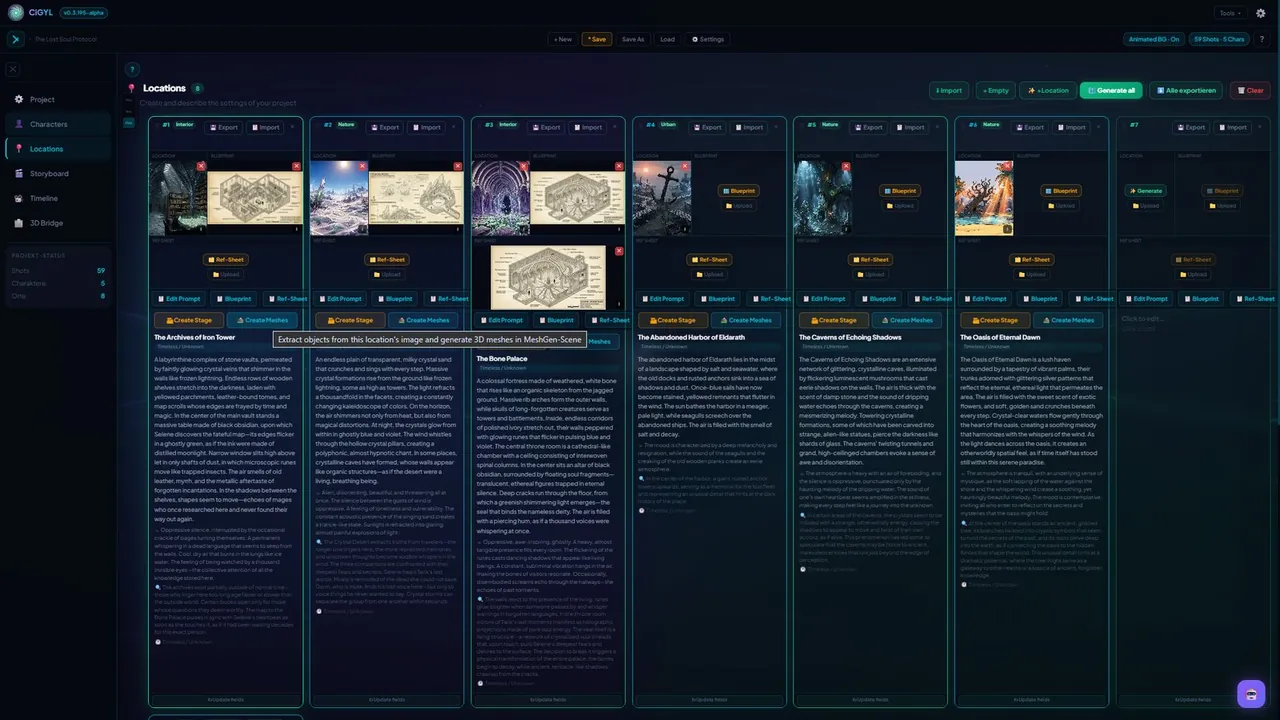
Characters, Locations & Storyboard
Your single source of truth for characters, locations and storyboard. Generate reference sheets from one illustration, auto-split a storyboard sheet into shots, and set pacing on a 2D timeline — before you open a 3D view.
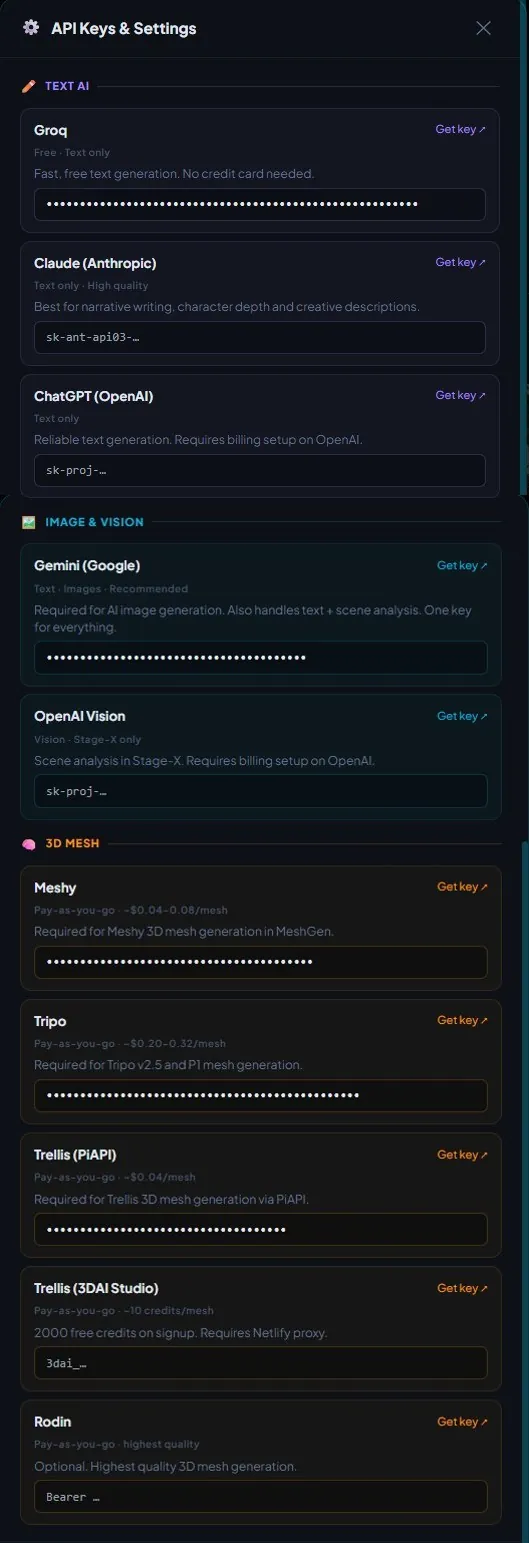
Bring Your Own Key
No AI subscription. Add your own Gemini, Claude or OpenAI key — it stays in your browser, and the AI runs client-side. You pay the provider directly, in cents. Every AI feature is optional.
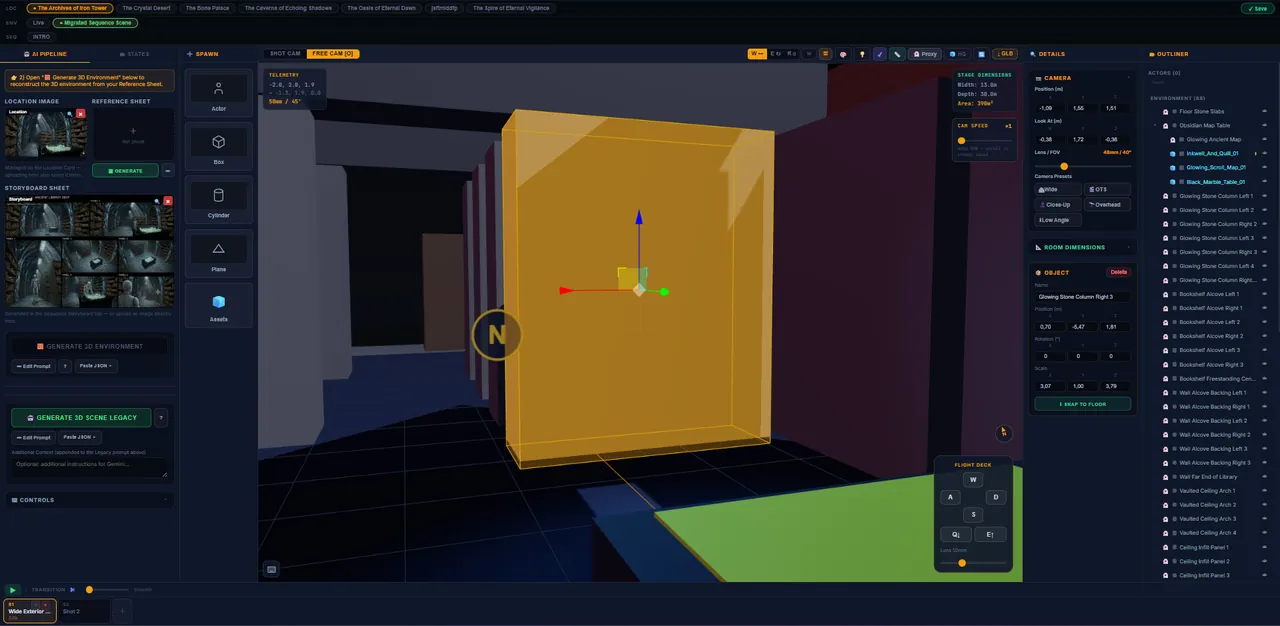
Reconstruct the Set
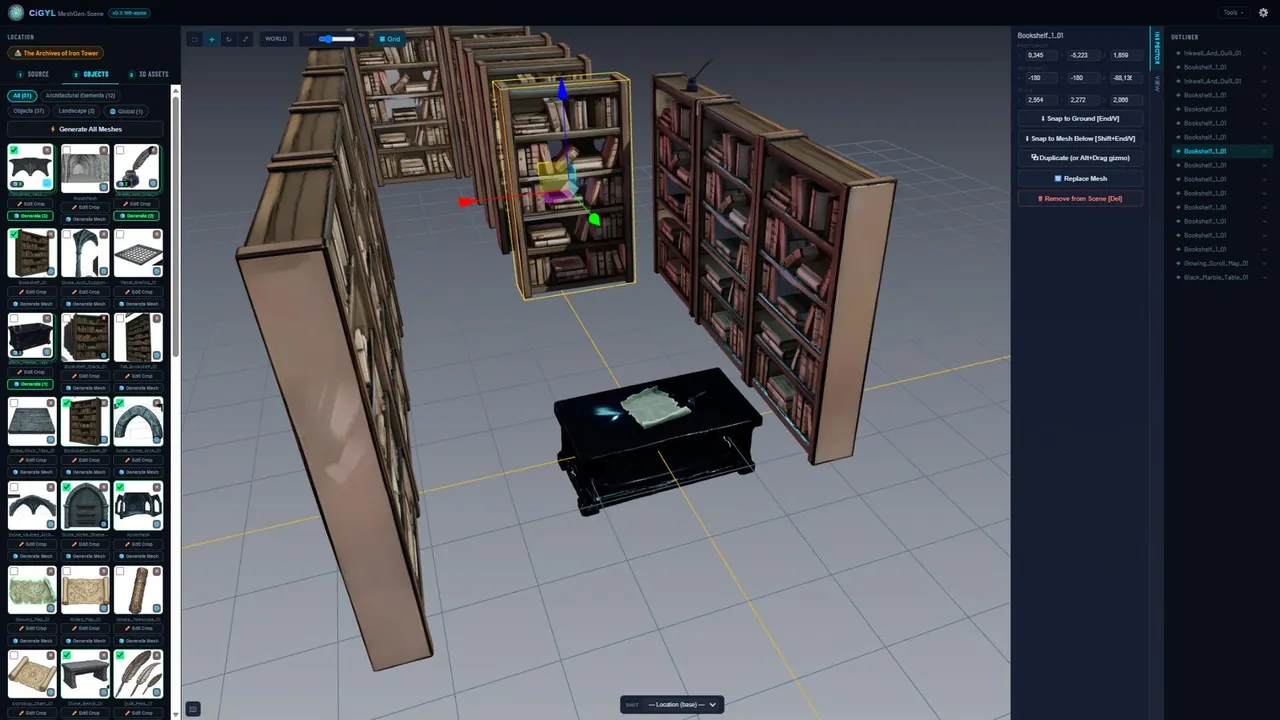
Turn a photo or a rough sketch into a persistent 3D proxy environment, right in the browser — no manual box-modeling. Each set is tied to its Location, so it stays consistent across shots, and you can save several states (day, night, before, after) and switch between them in one click.
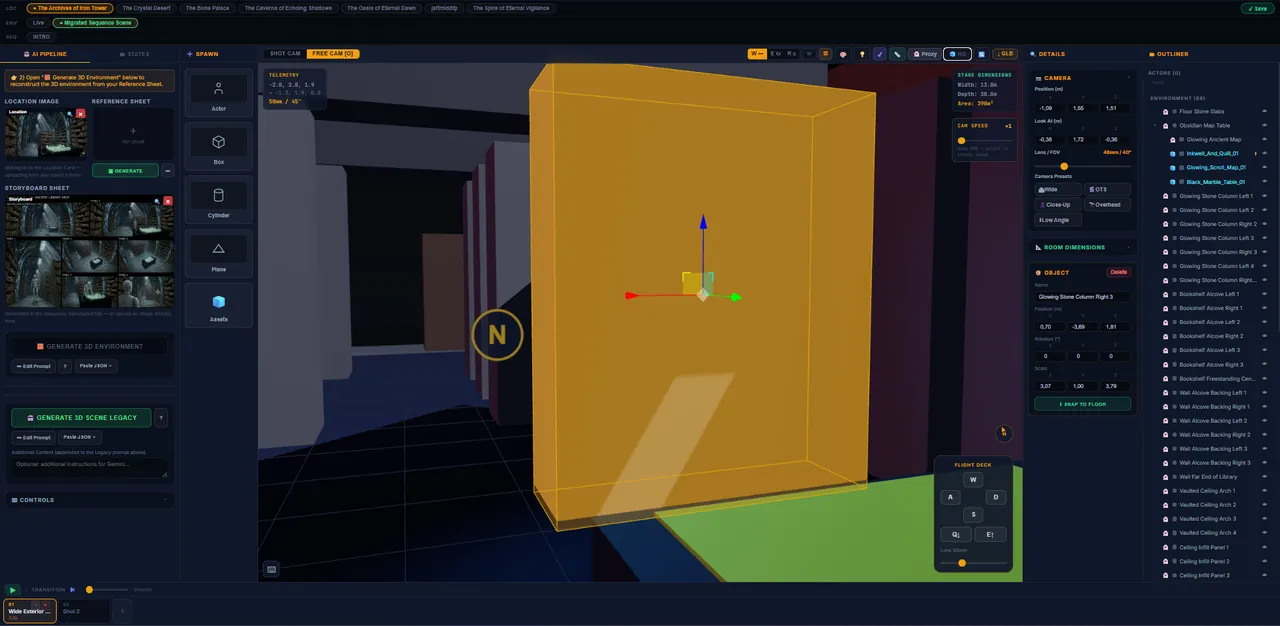
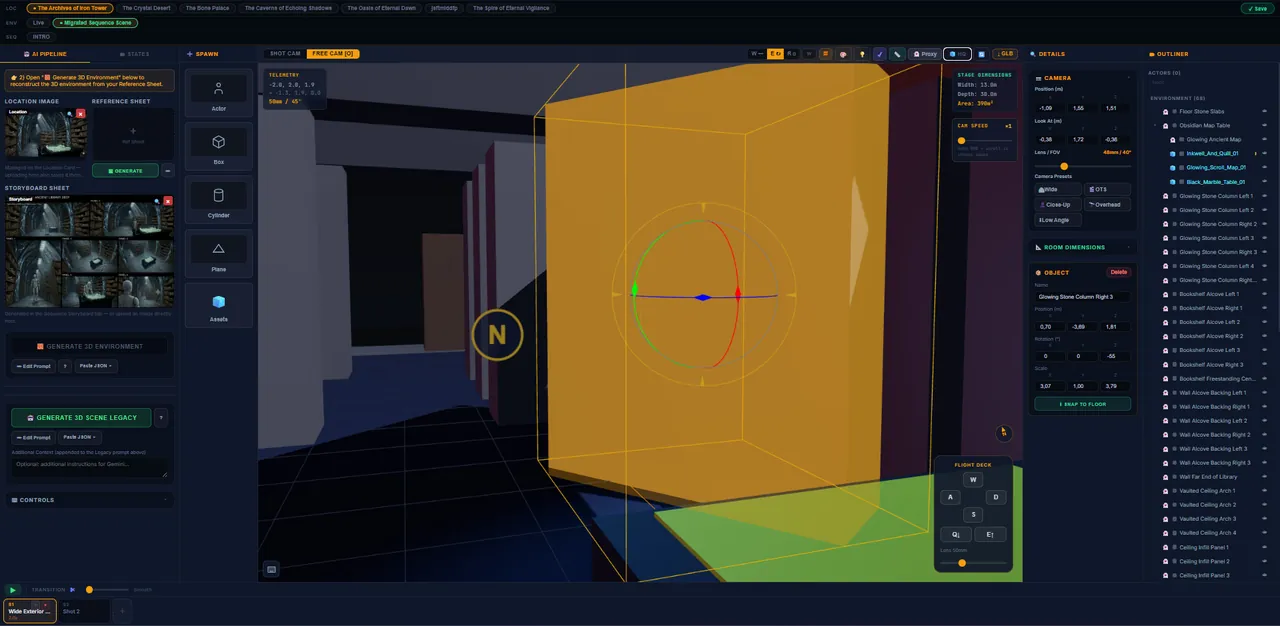
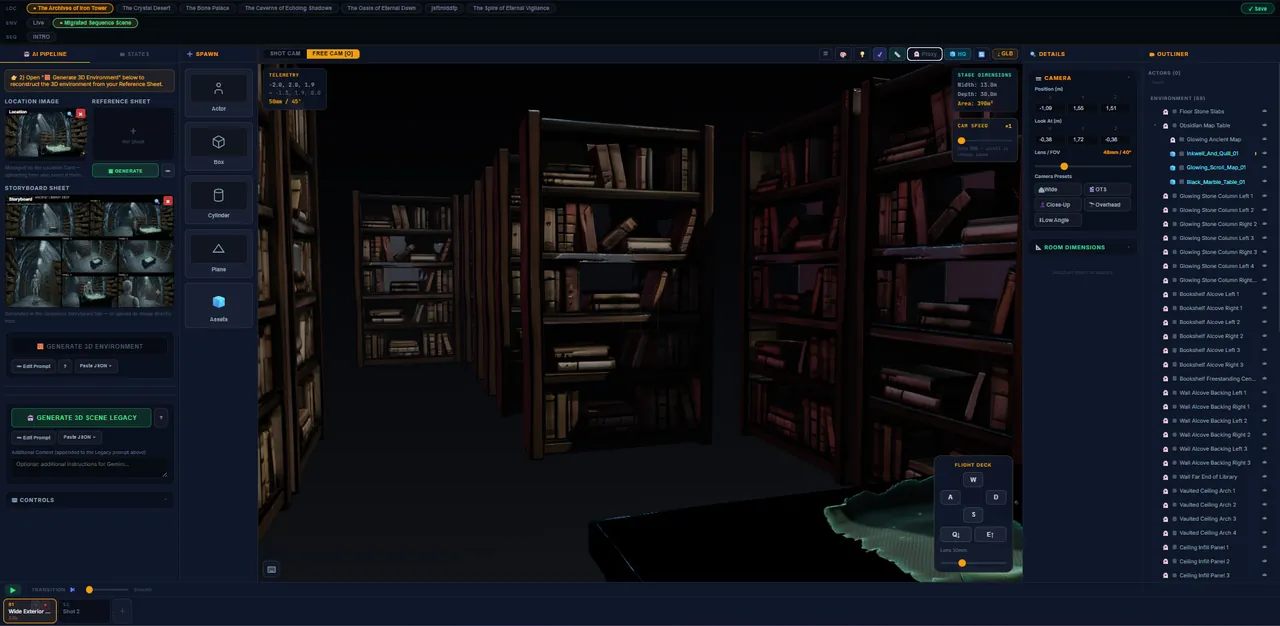
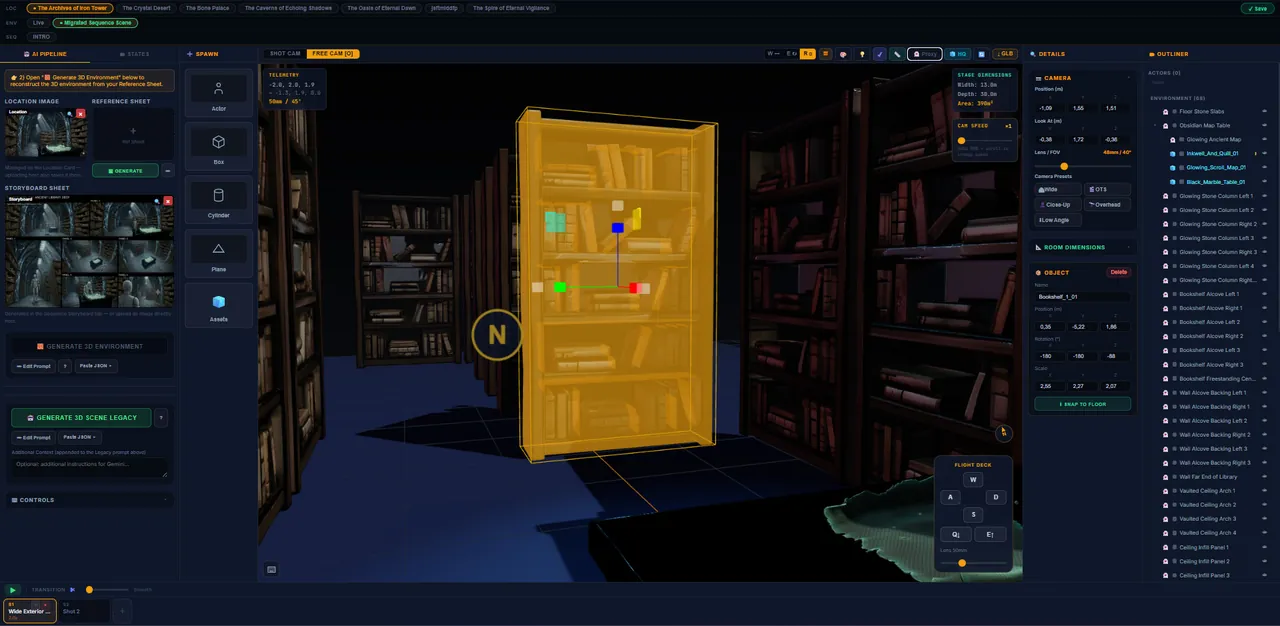
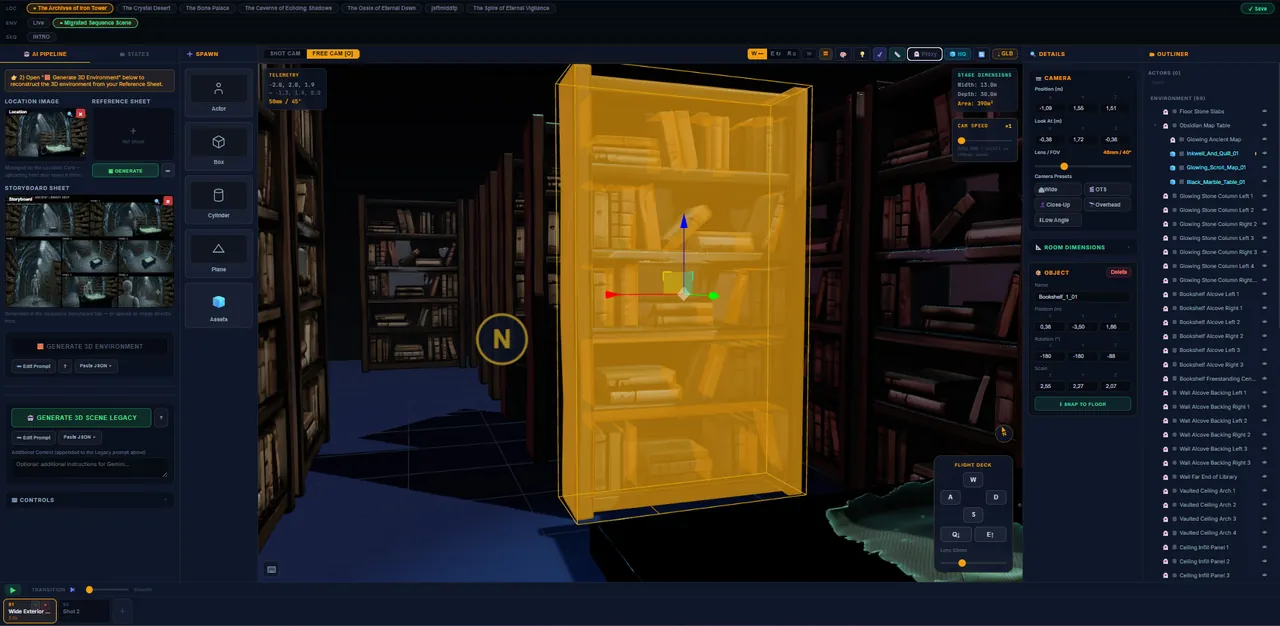
Populate the Set
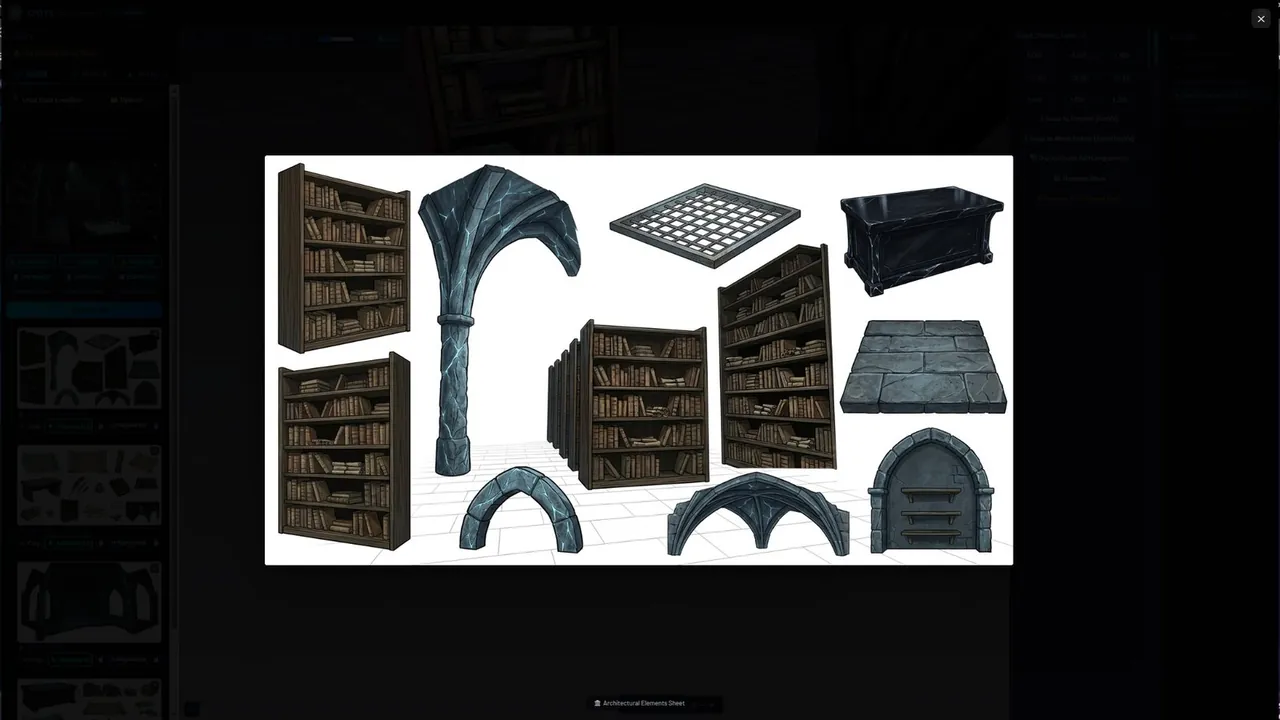
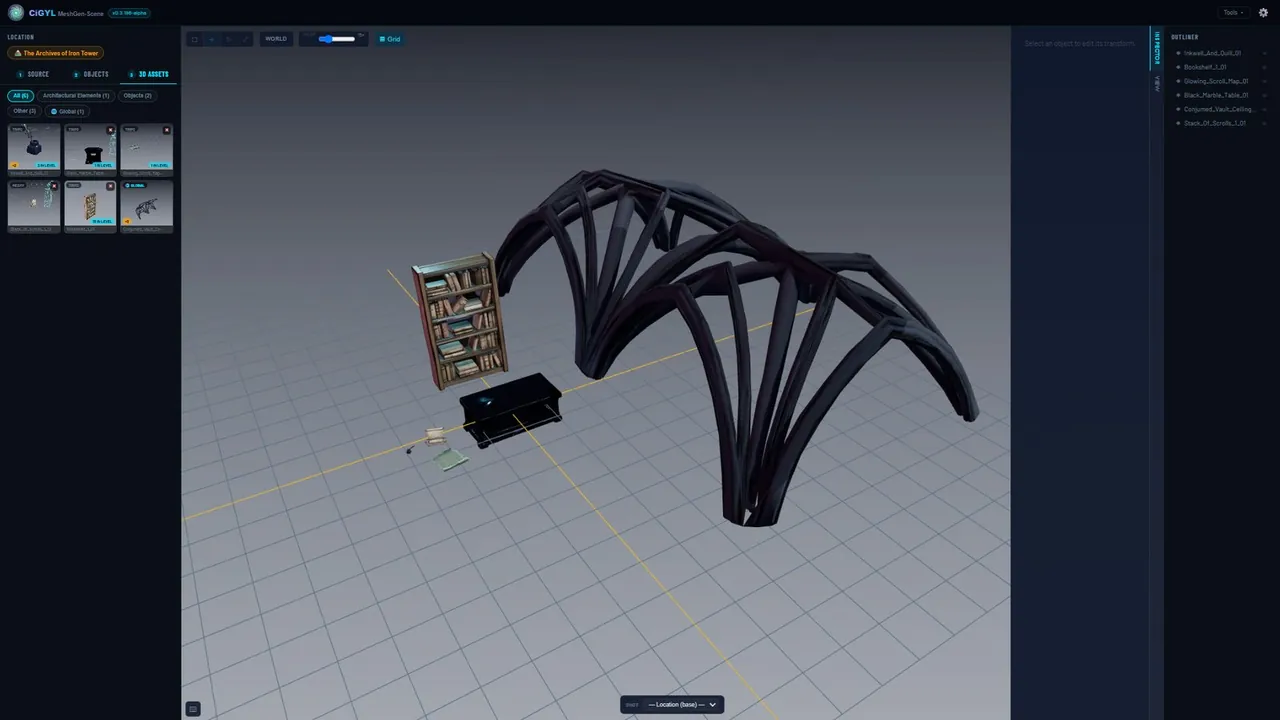
The fast lane for scenery. Generate high-quality 3D geometry from a 2D concept — or upload your own props, set pieces and background assets — with direct control over pivots and scale. Everything drops straight into the Scene Generator, no administrative overhead.
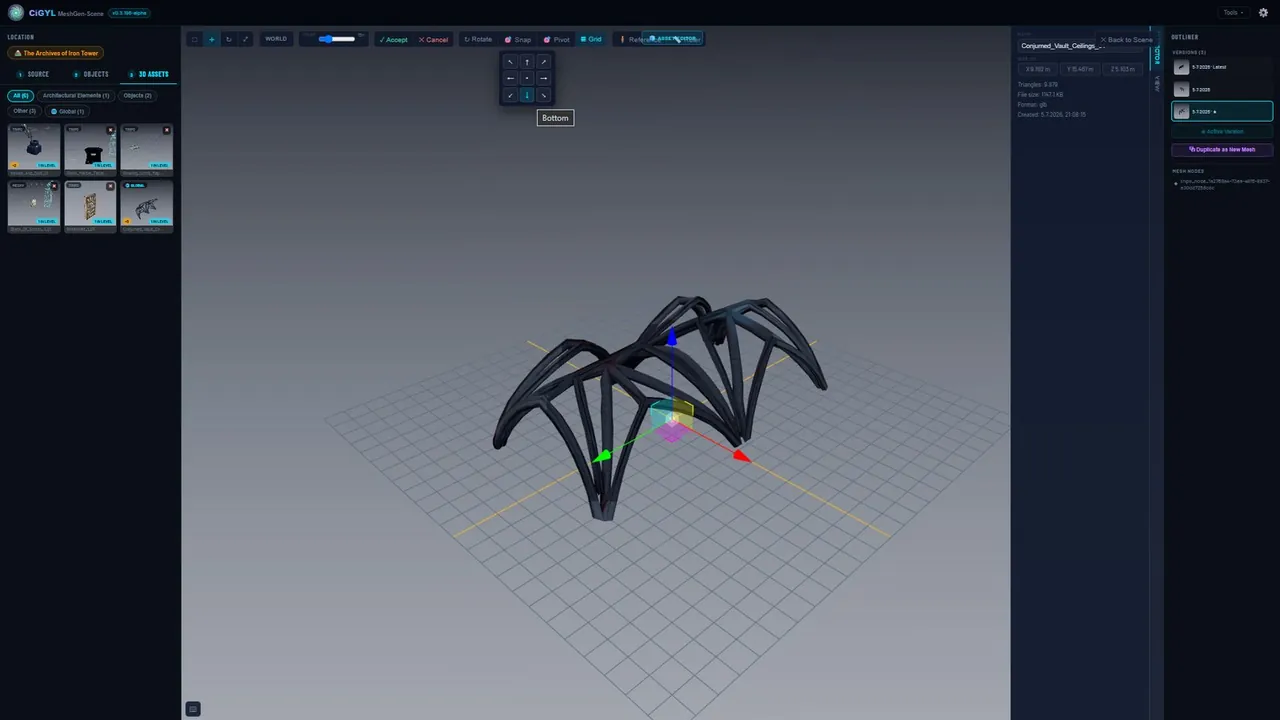
Stage Every Shot
Drop a storyboard frame onto your set and CiGYL places the character proxies and matches the camera to the framing with real focal lengths. Every camera move and actor position is saved per shot.
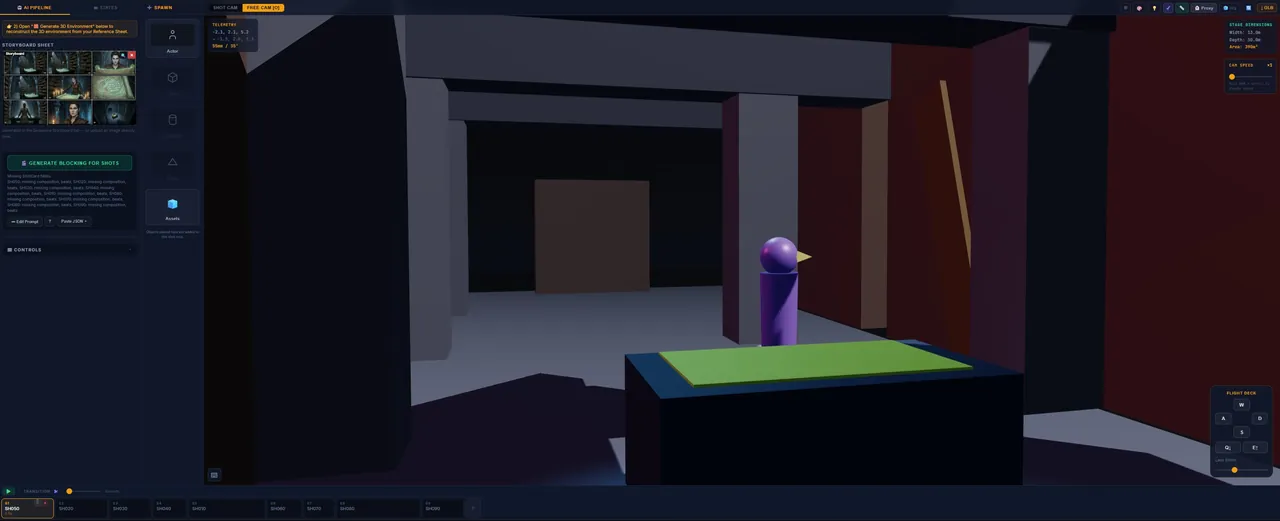
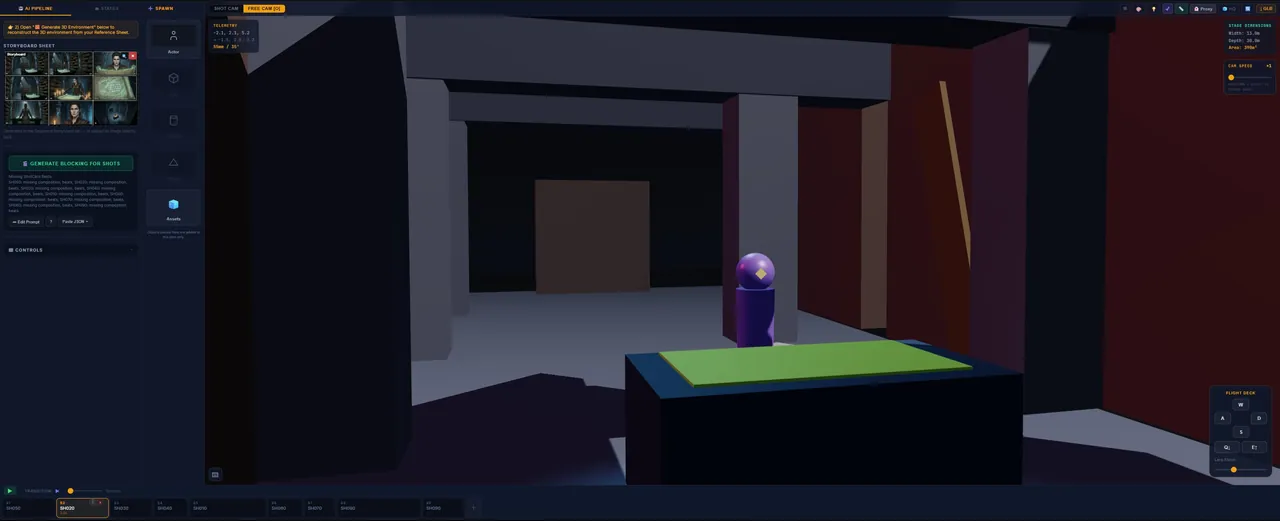
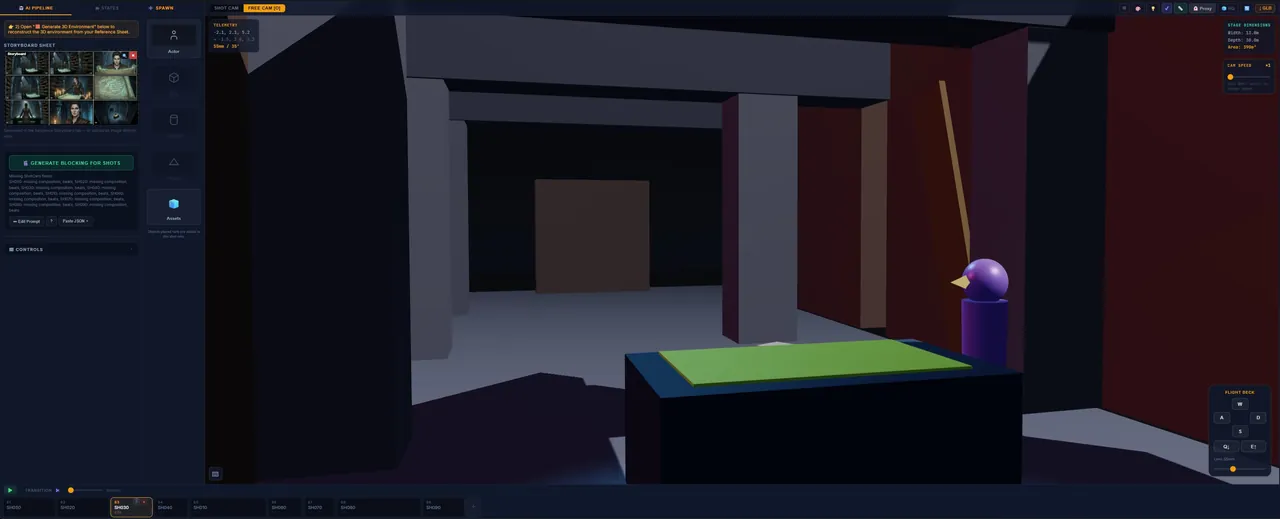
Create Your Characters
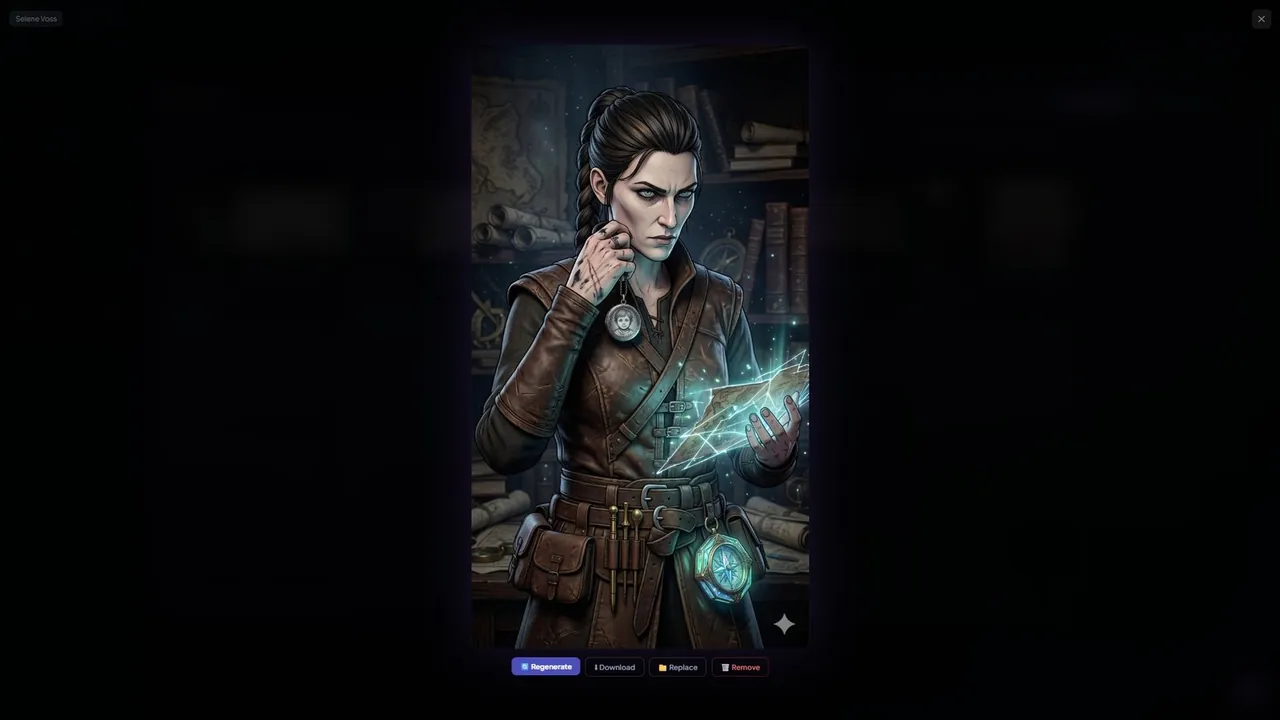
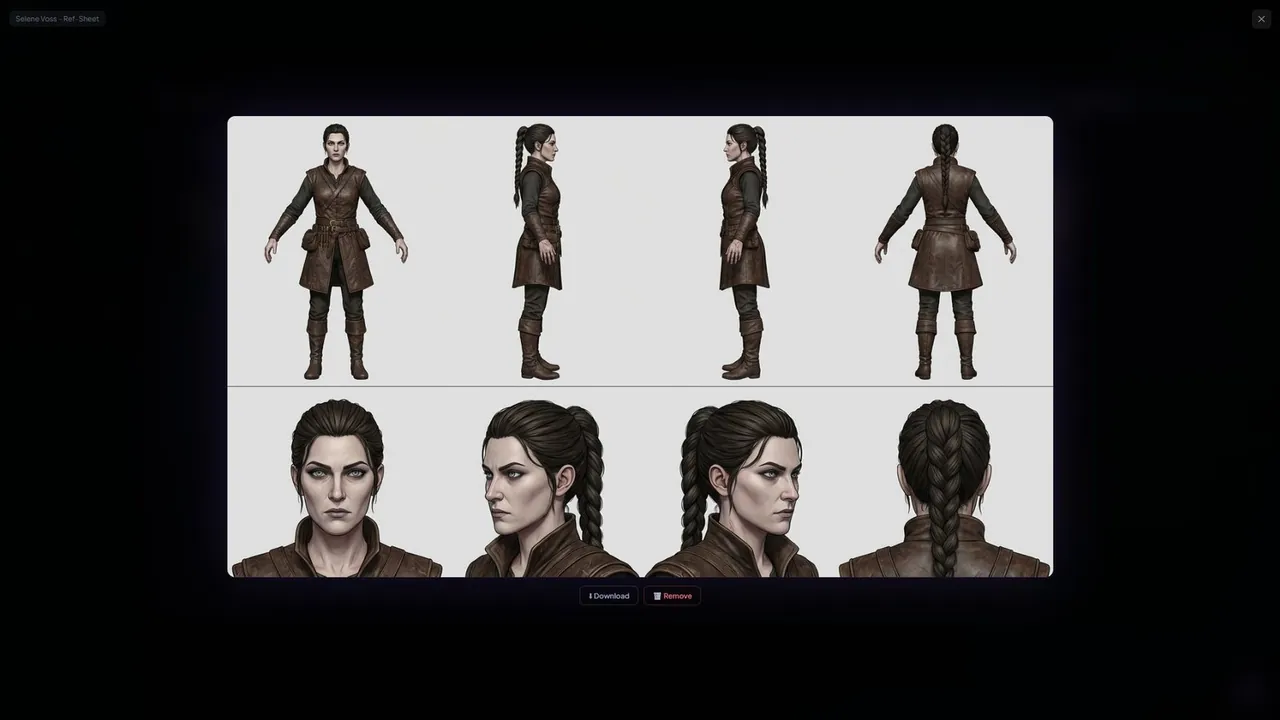
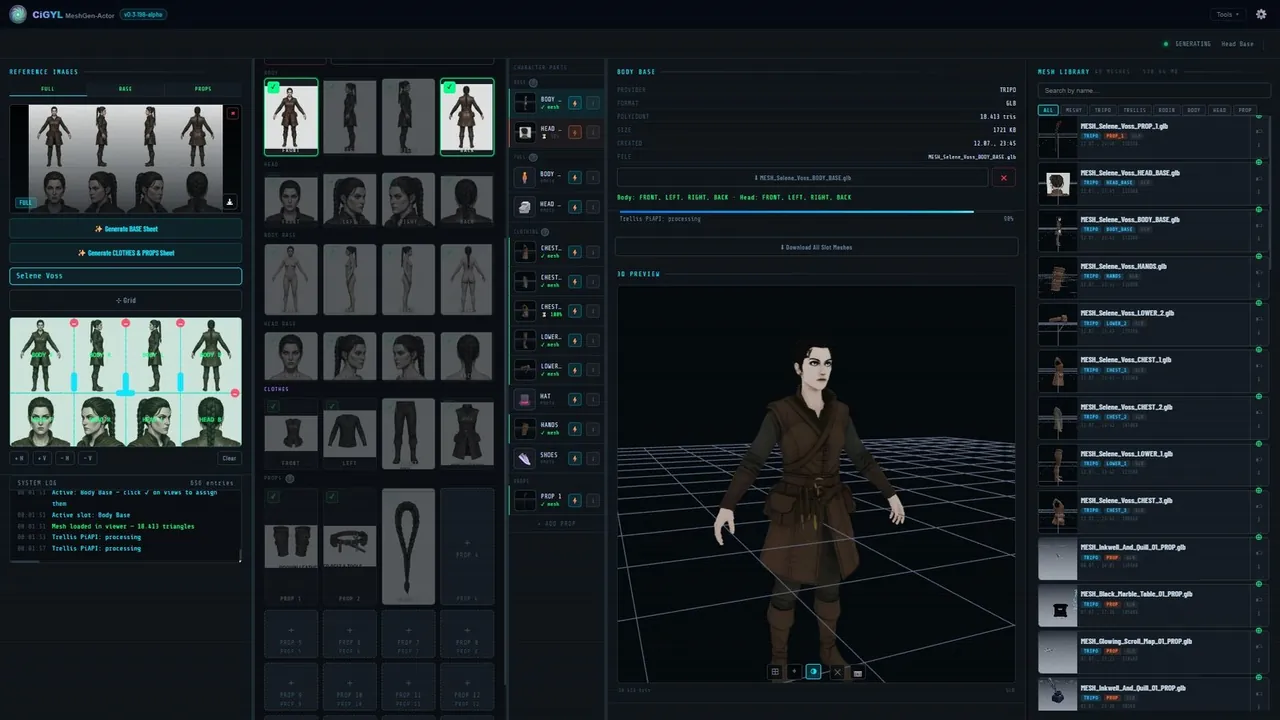
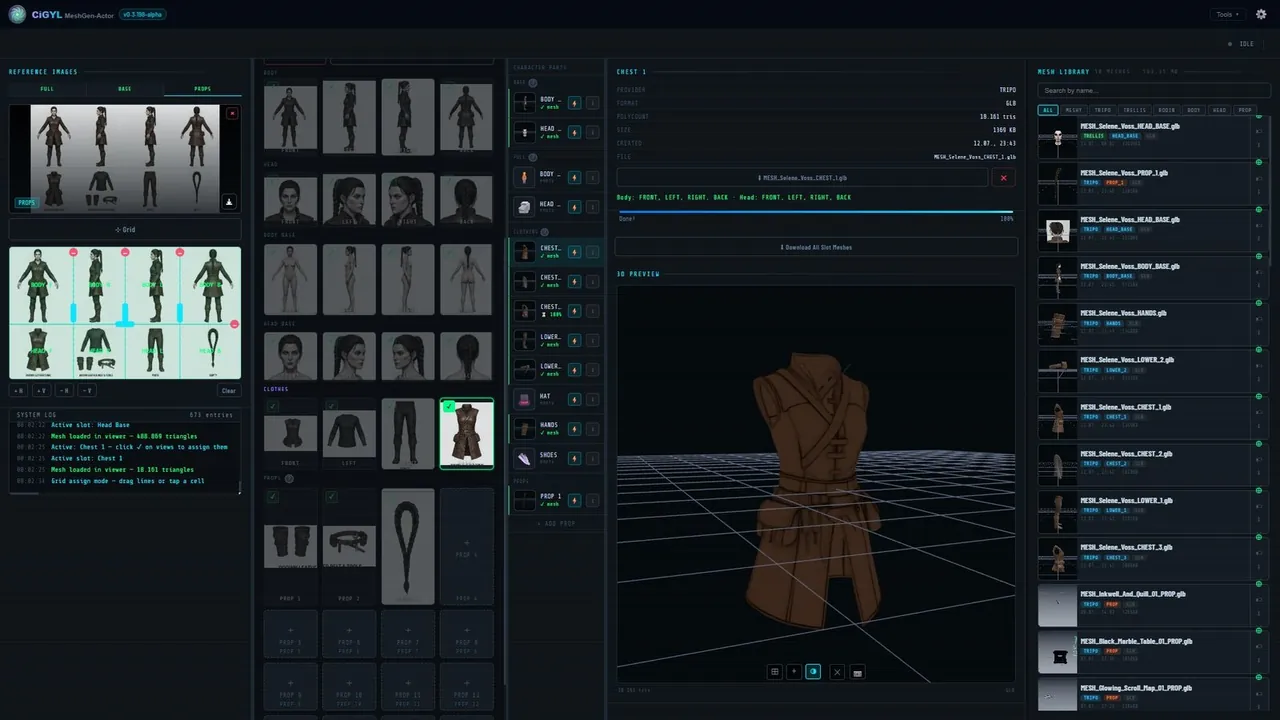
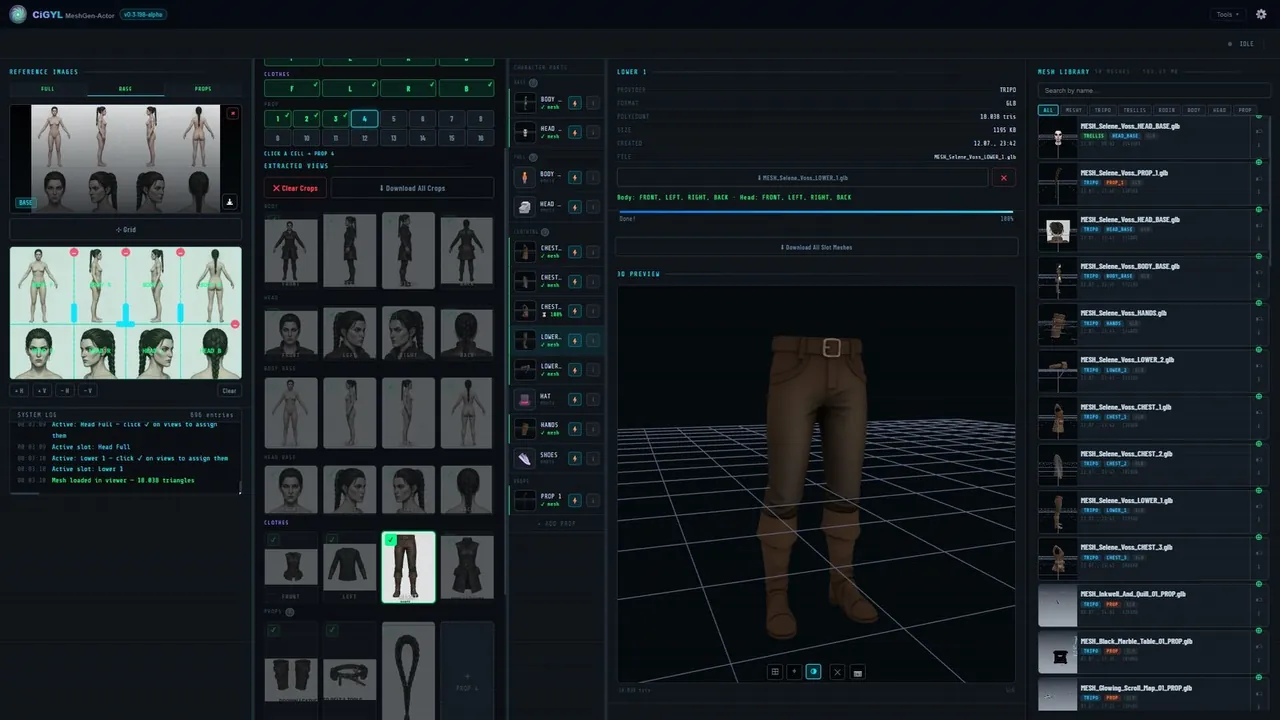
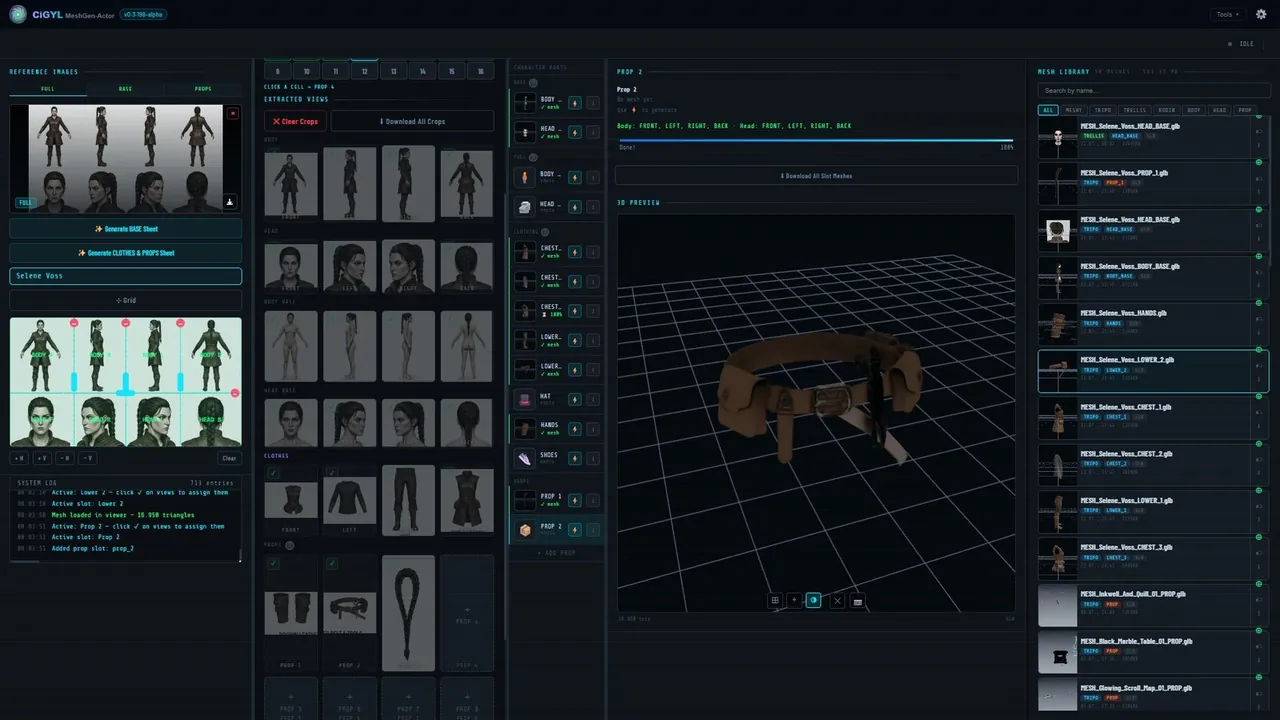
Generate detailed 3D characters and props from a 2D concept, or upload your own models. Every mesh stays permanently tied to its character, ready to rig and drop into a scene.
Rig in the Browser
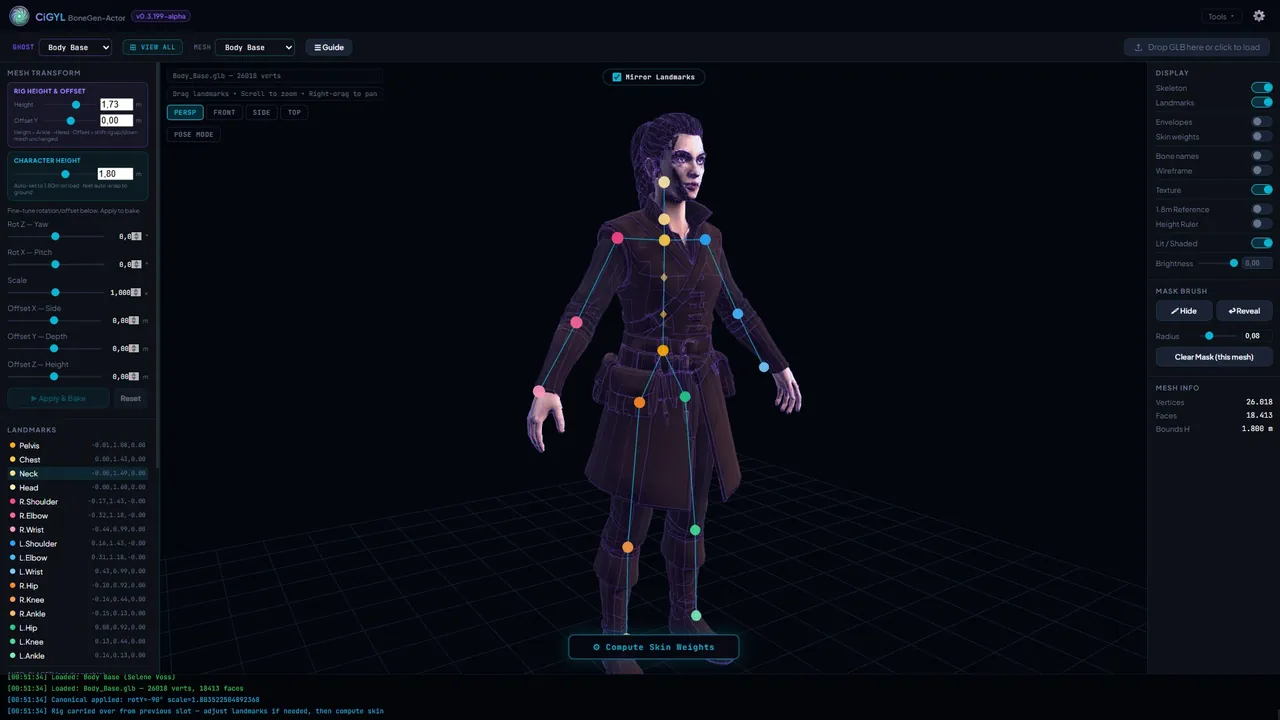
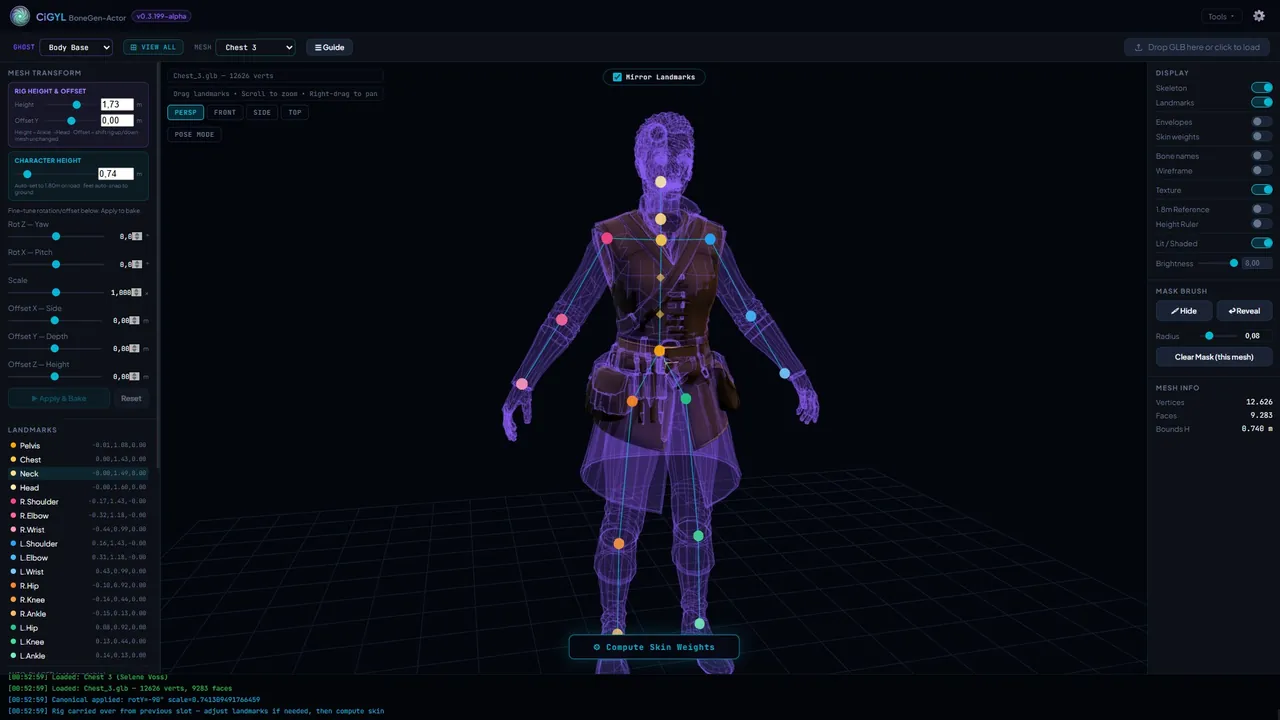
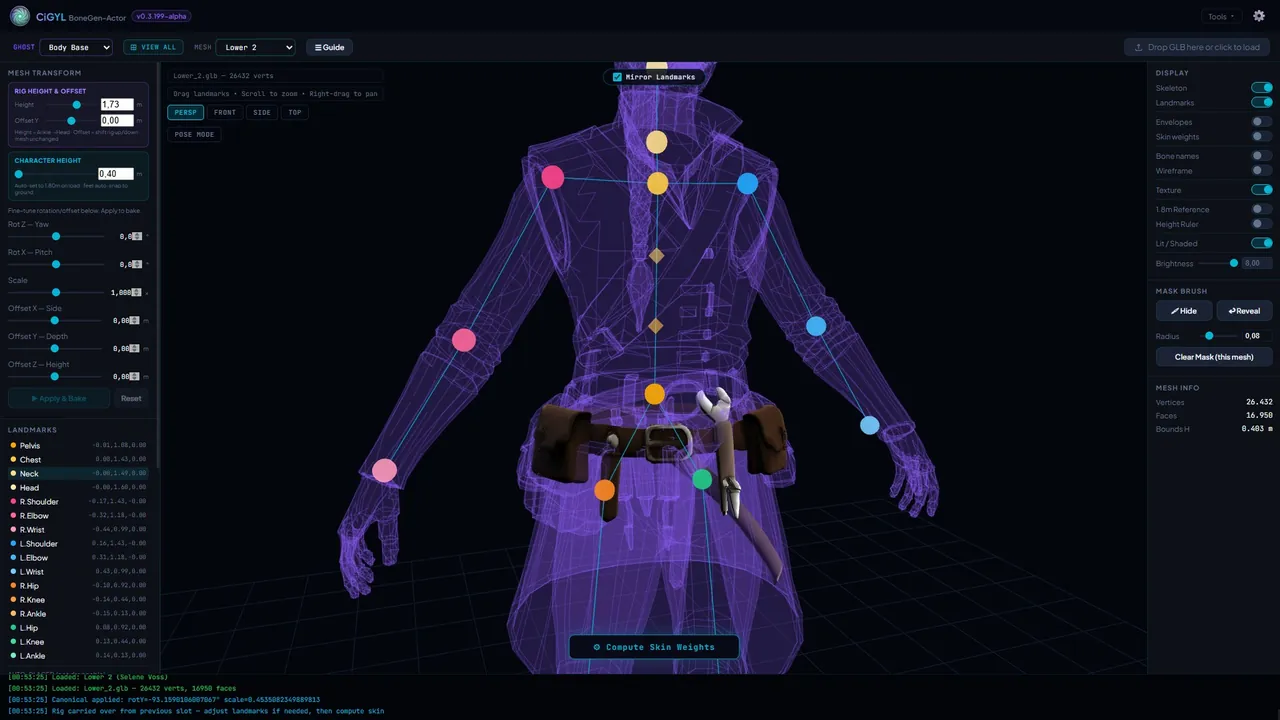
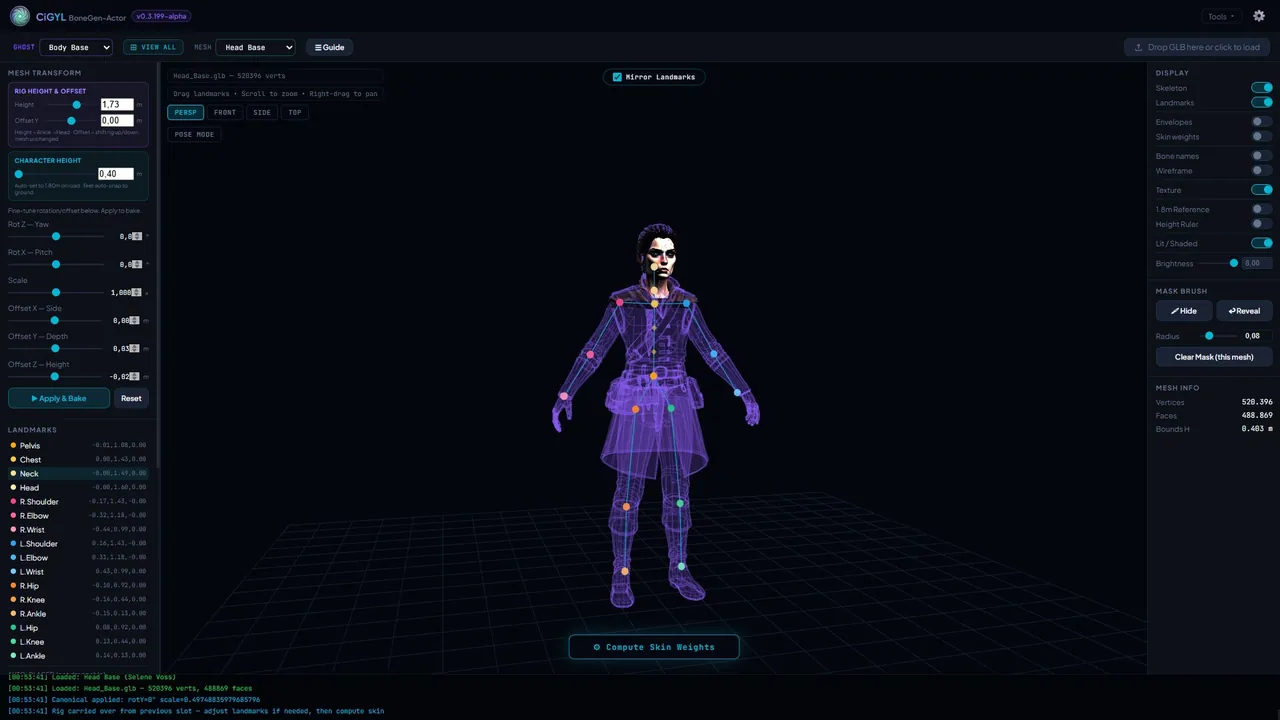
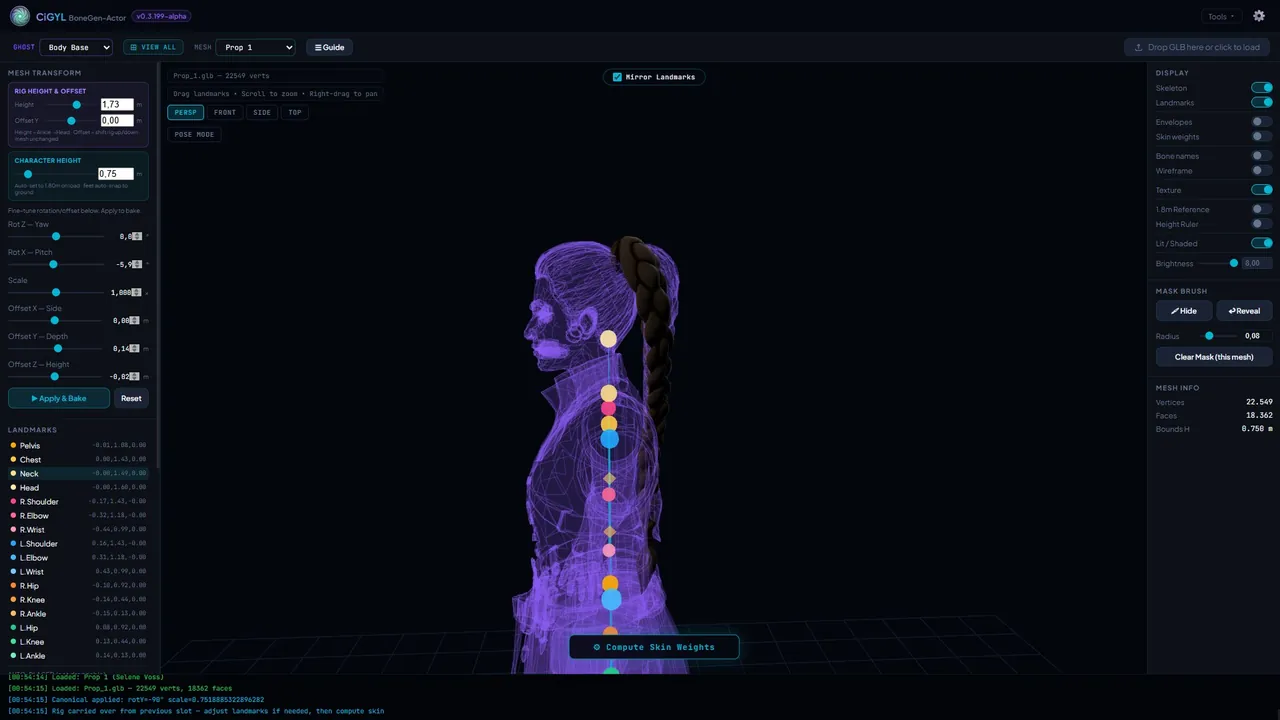
Bind a clean animation skeleton to any character without leaving the browser — no manual weight painting. Rigs stay linked to the character and travel all the way to Blender and Unreal.
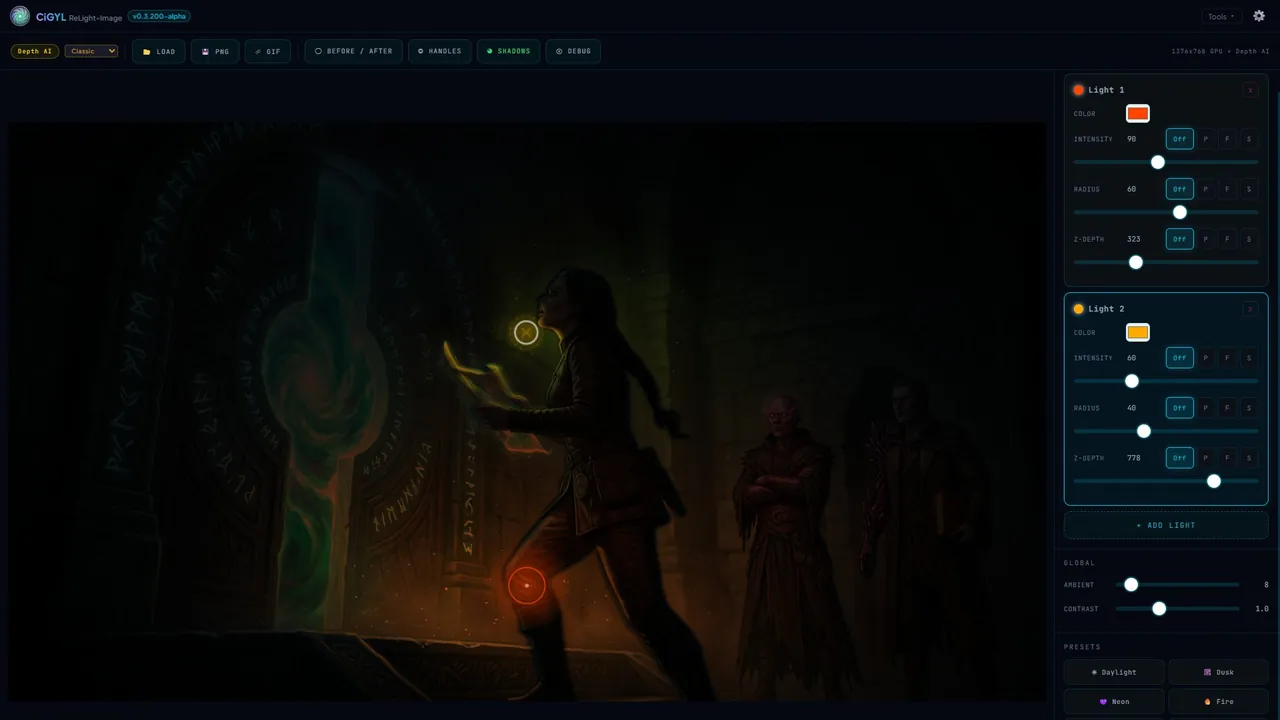
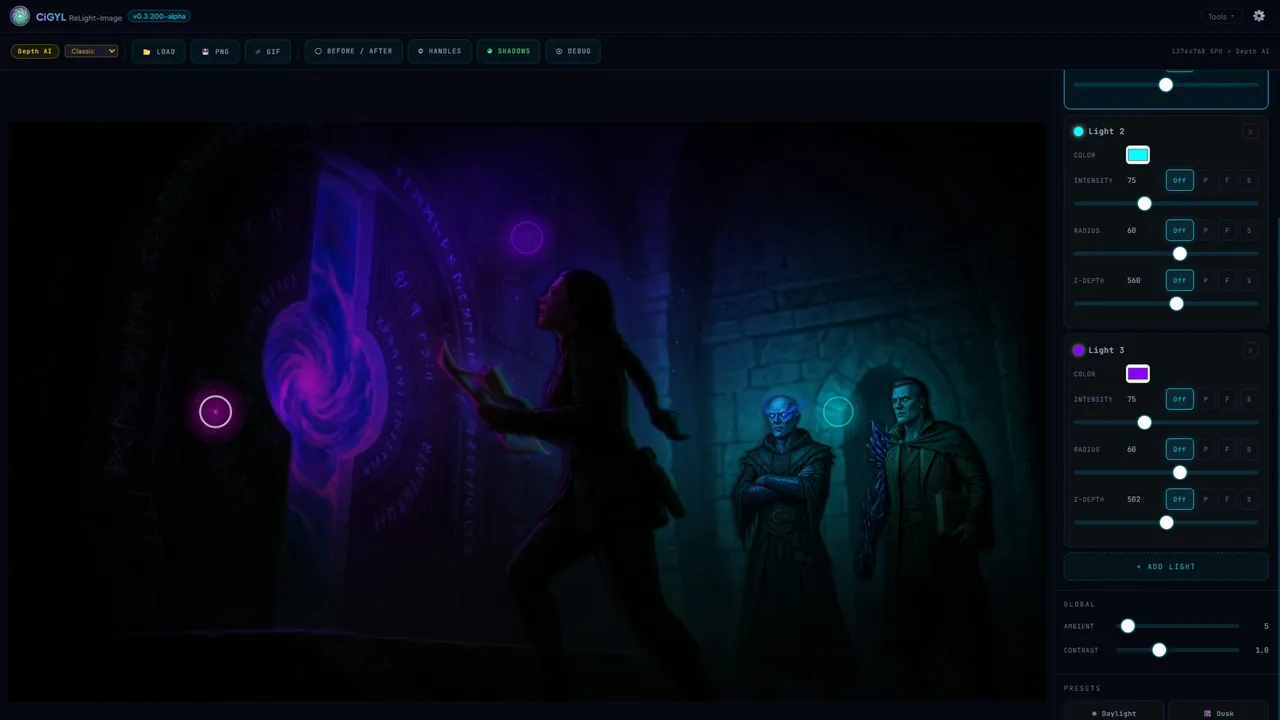
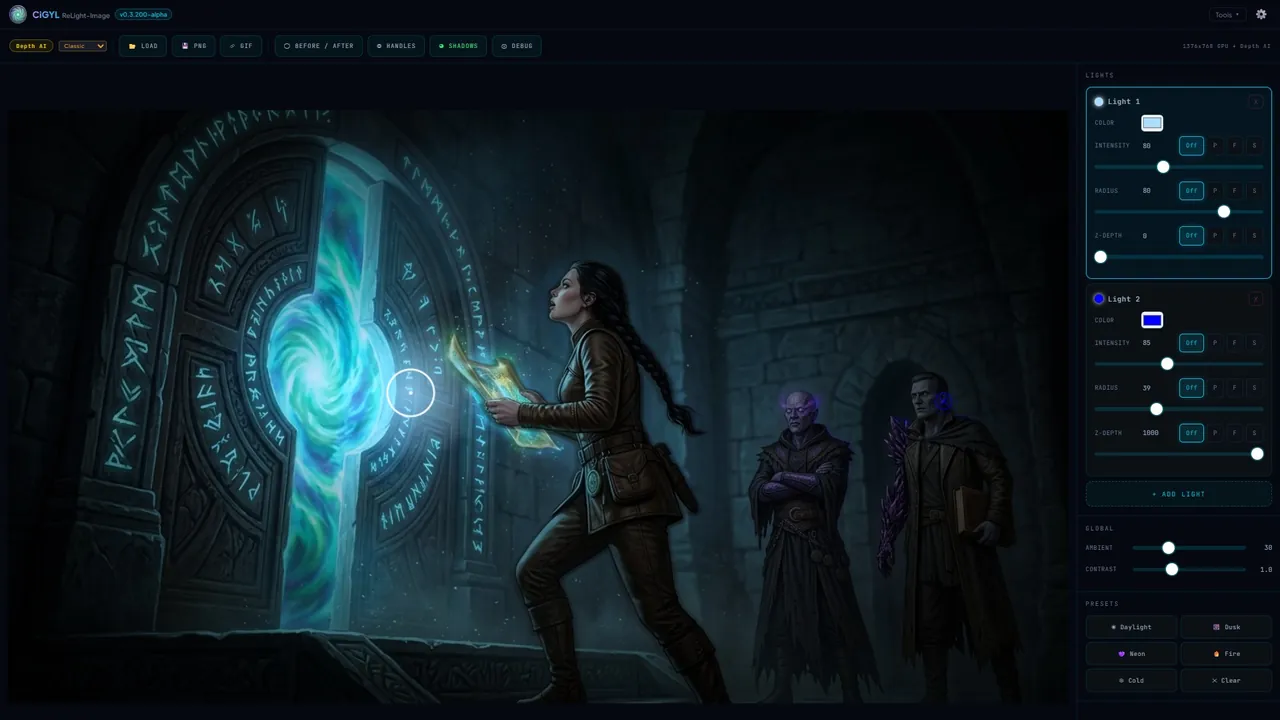
Relight Any Image
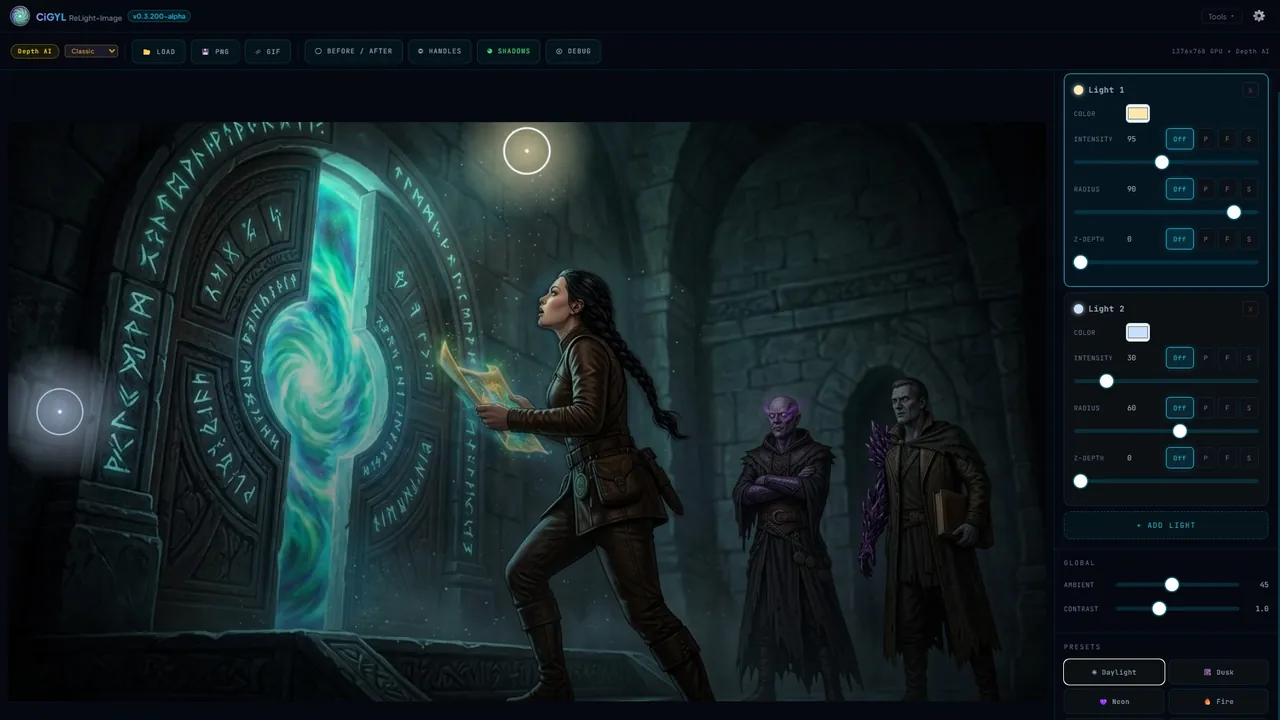
Generate depth maps and object masks from a flat image, then place and animate light sources over it. Test lighting ideas in seconds and export the result.
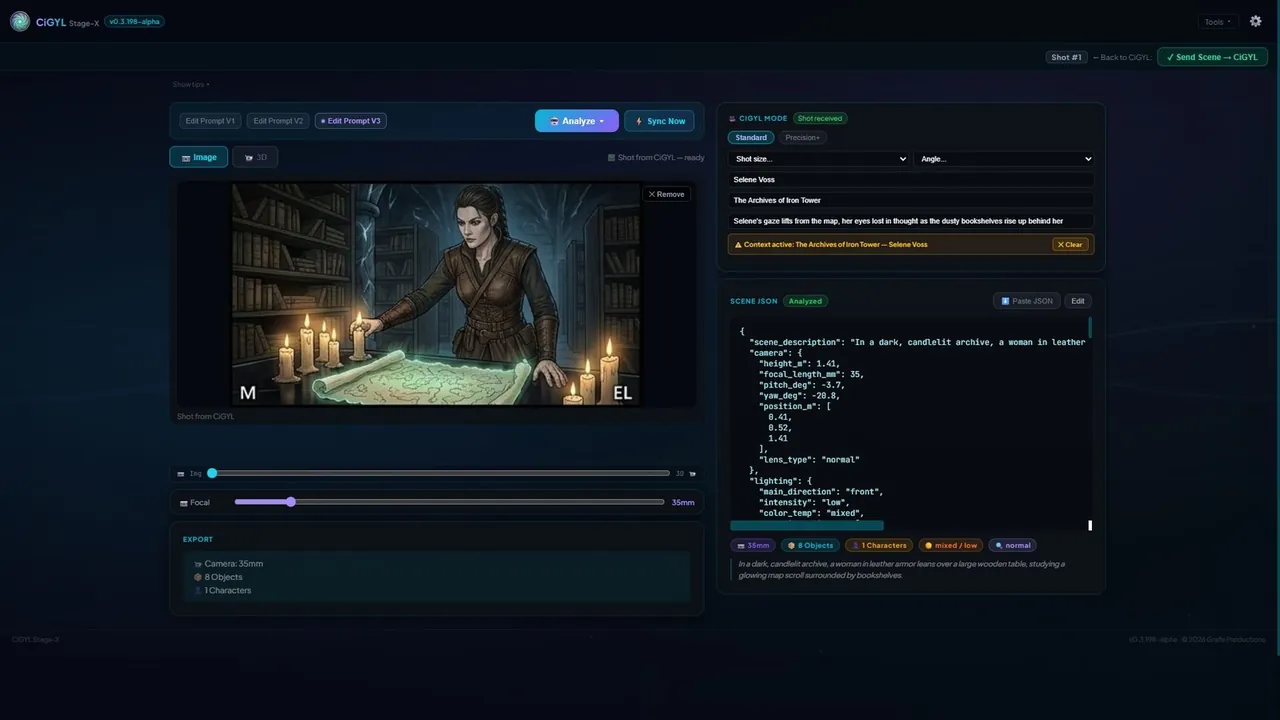
Read a Reference Photo
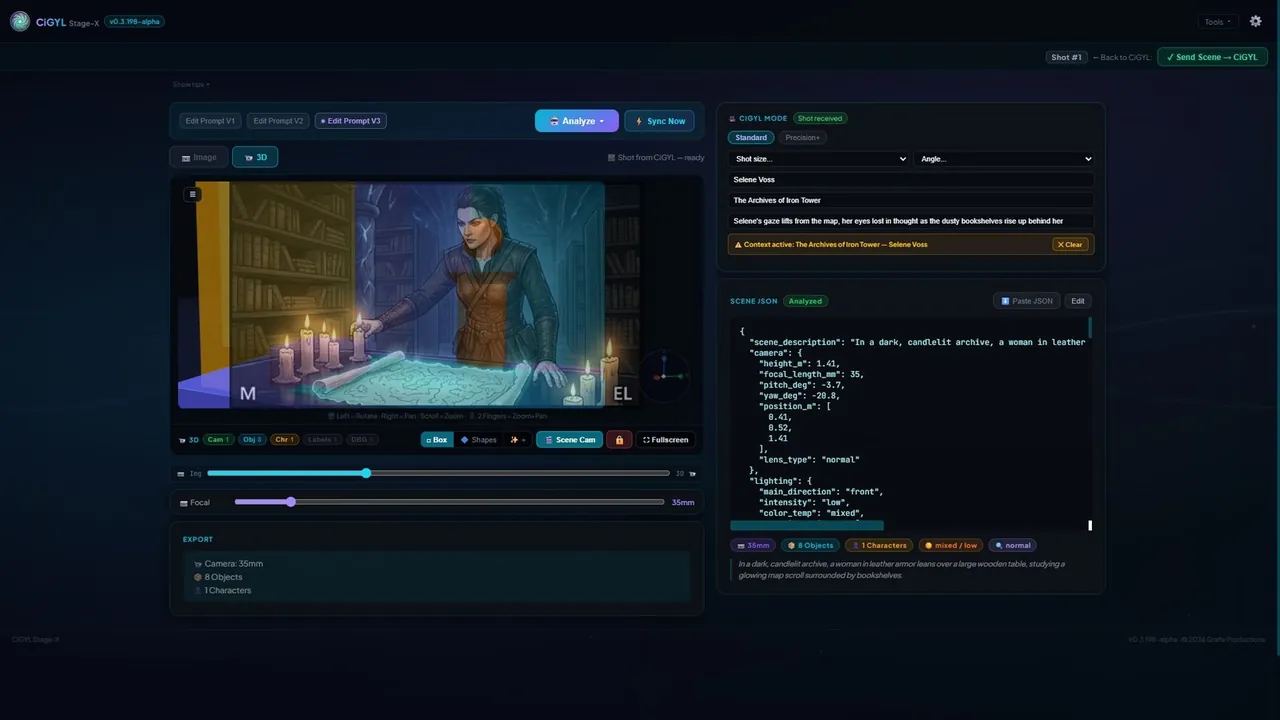
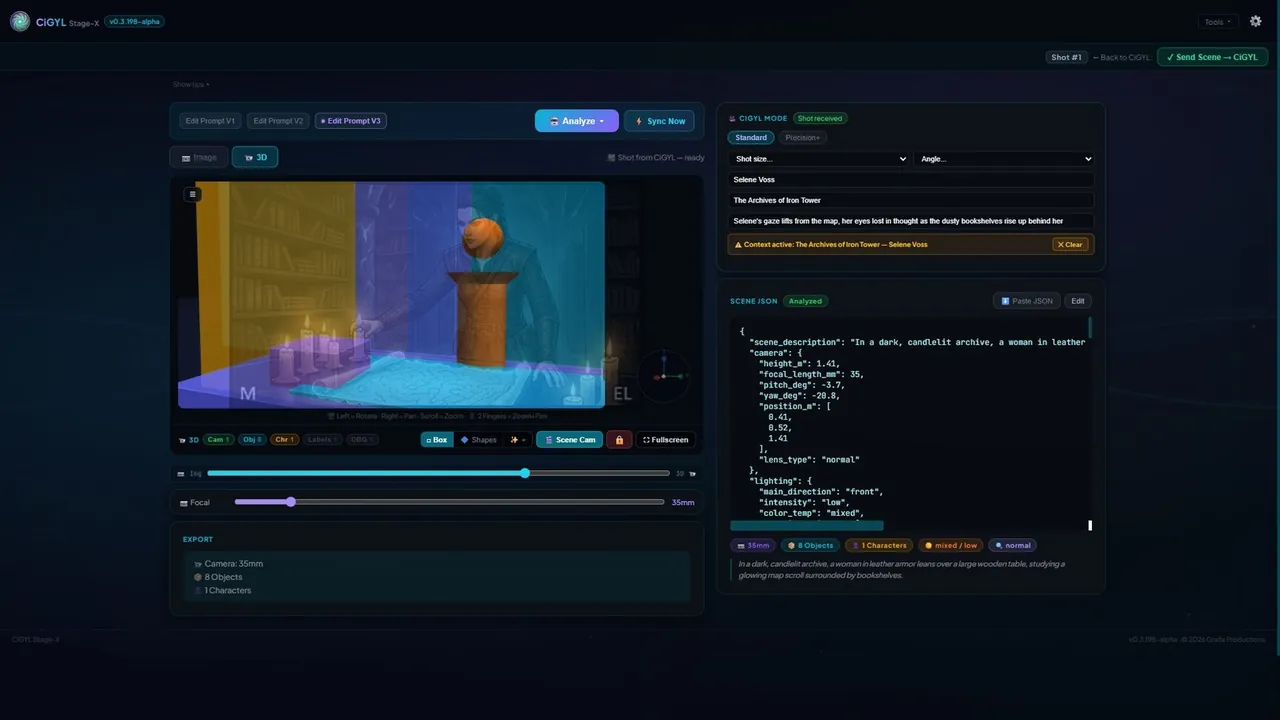
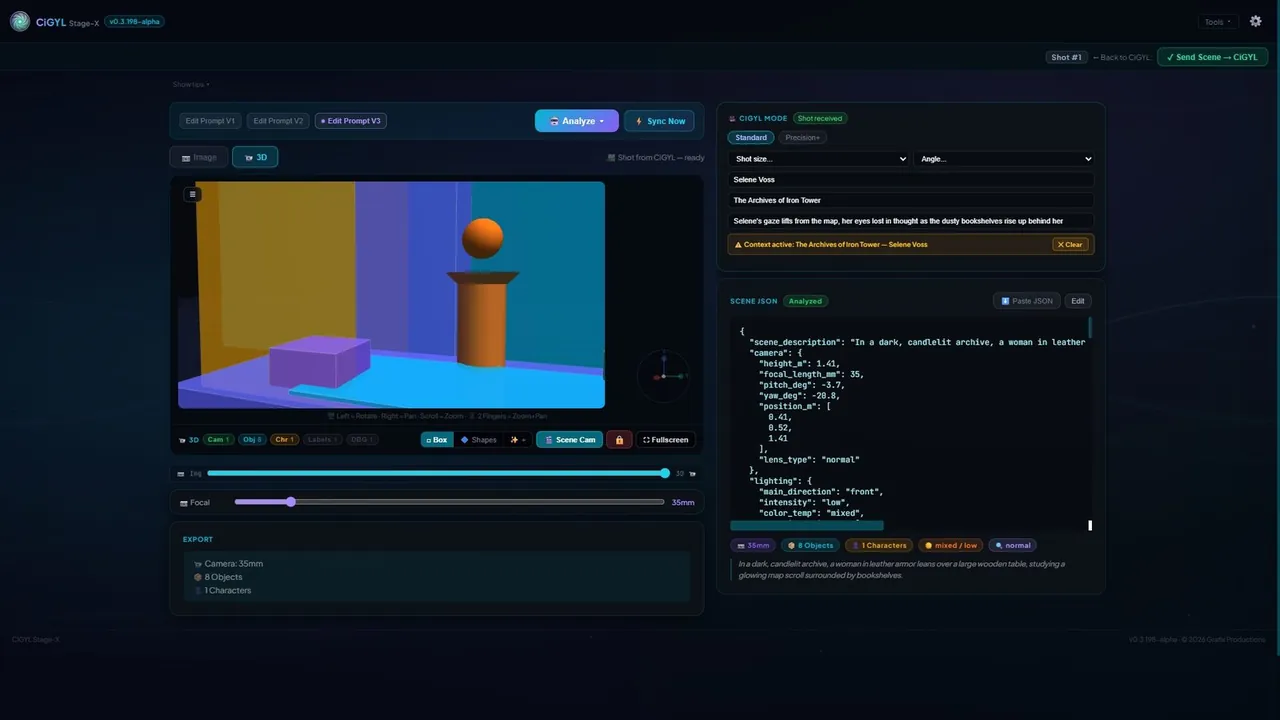
A standalone tool that analyzes a single reference photo to extract its real focal length, field of view and spatial layout — perfect for matching a camera to a look.
Extract a 3D Pose
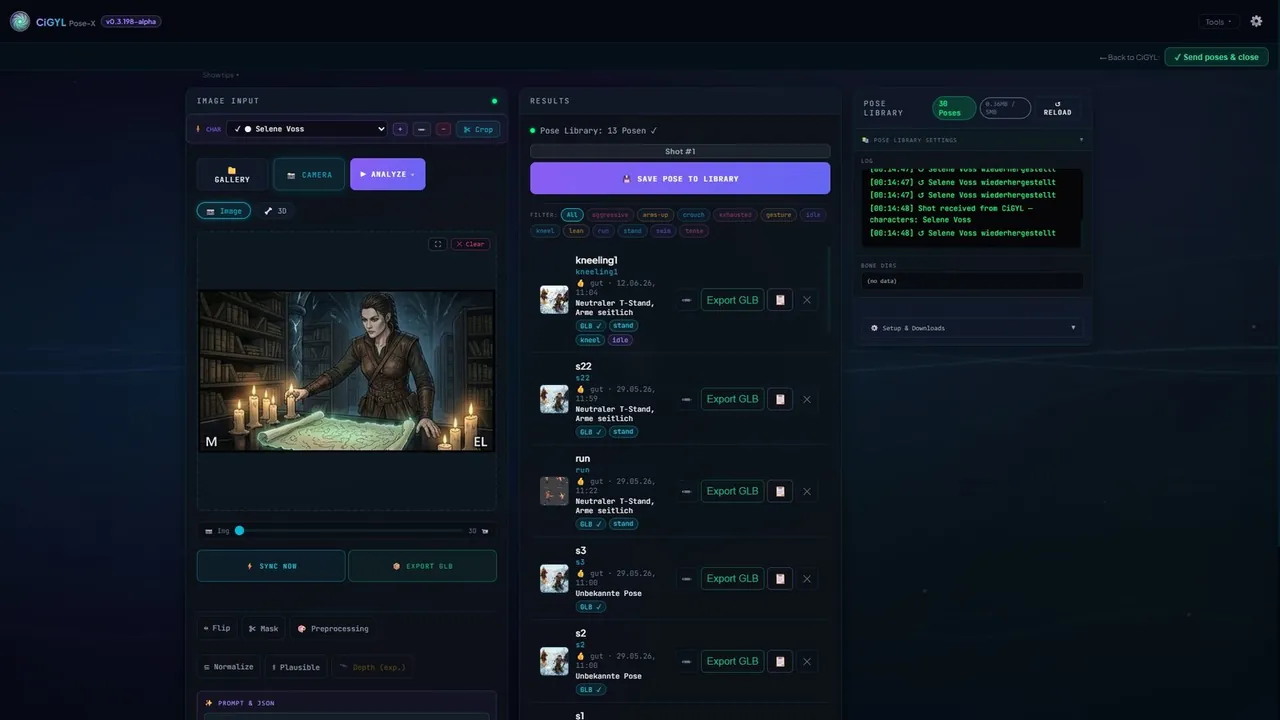
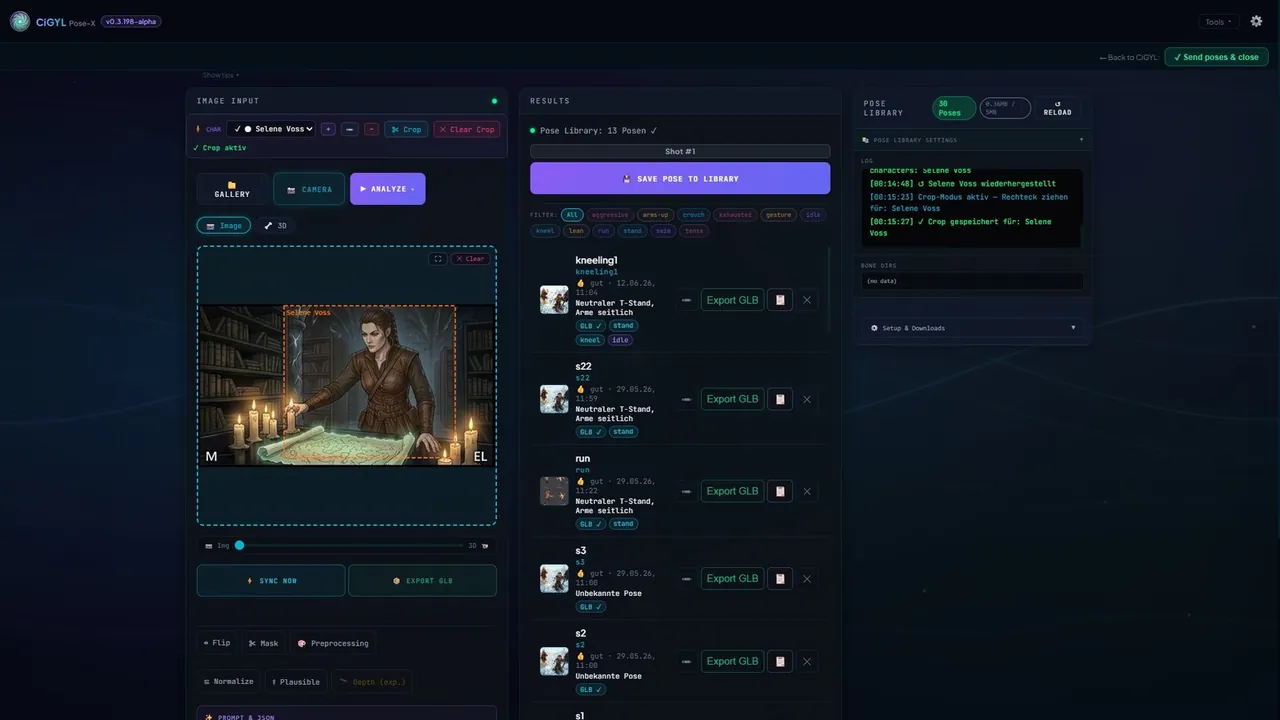
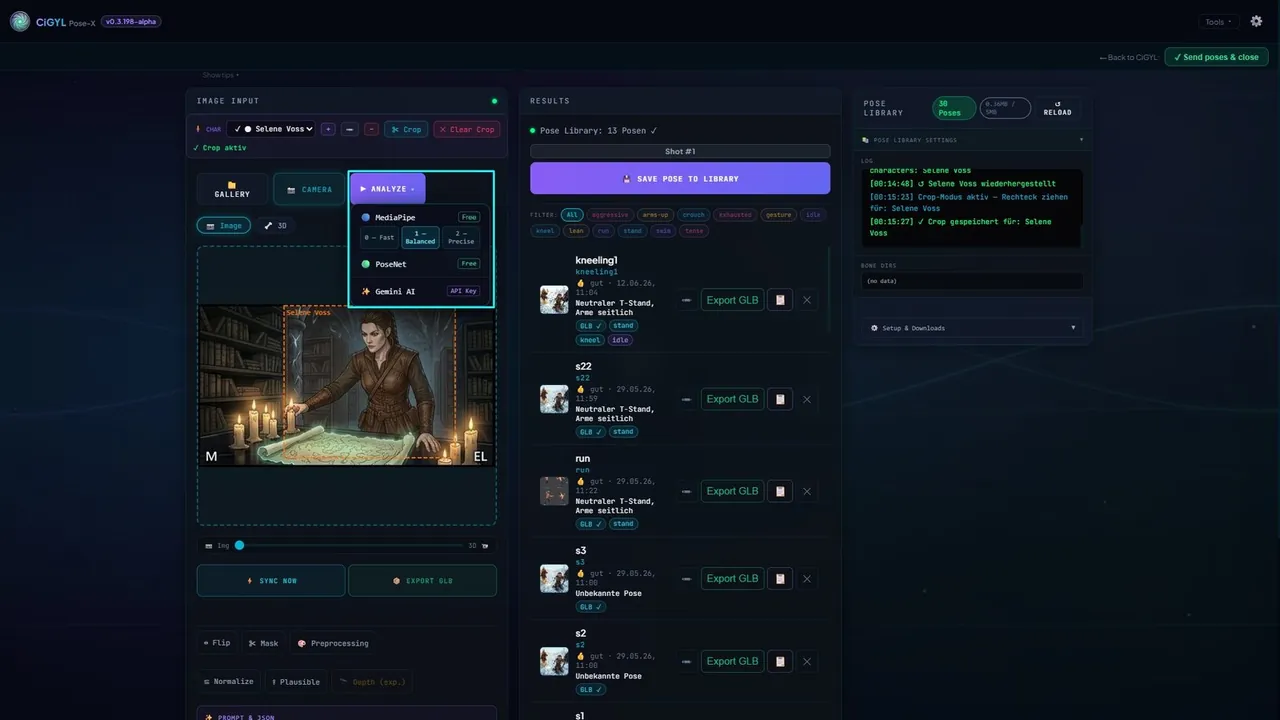
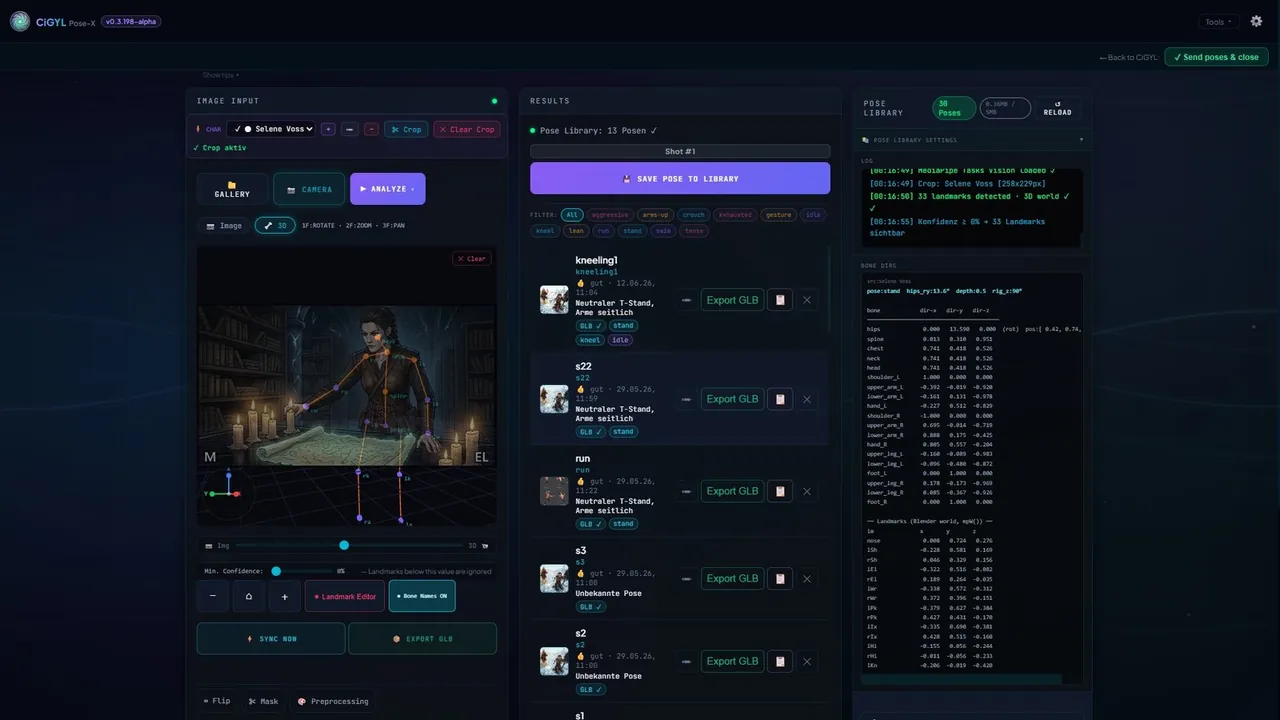
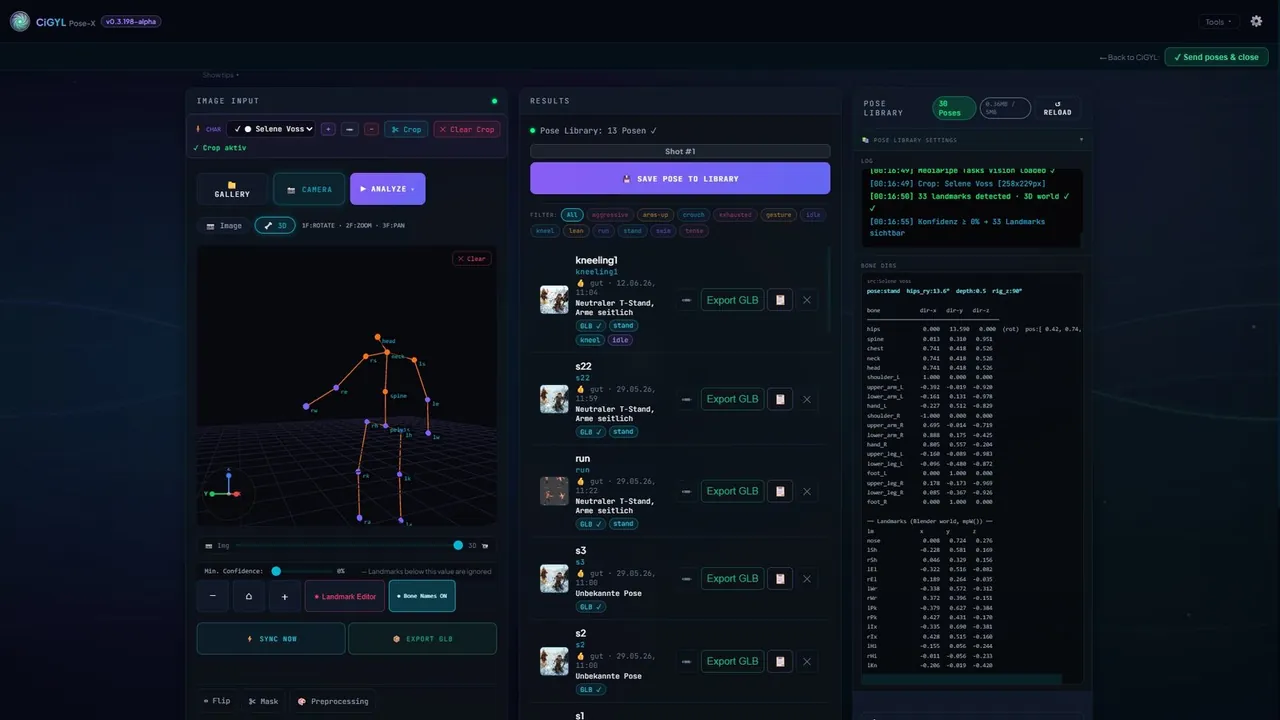
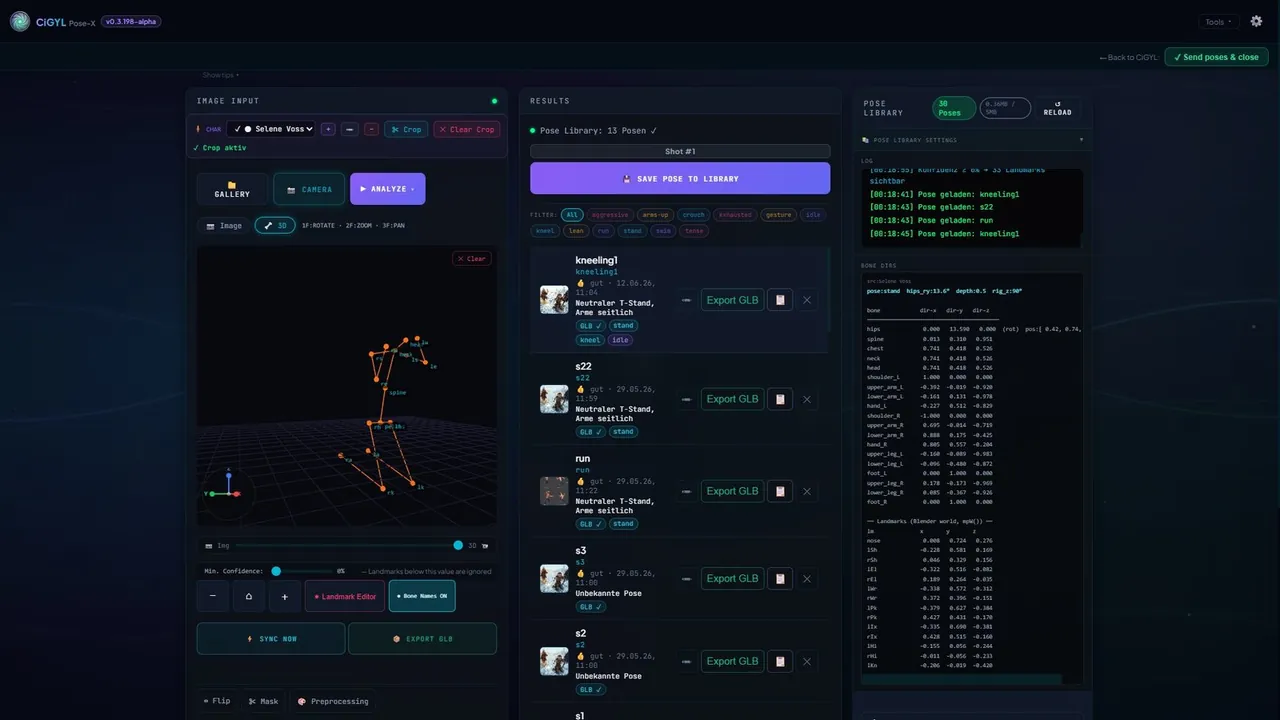
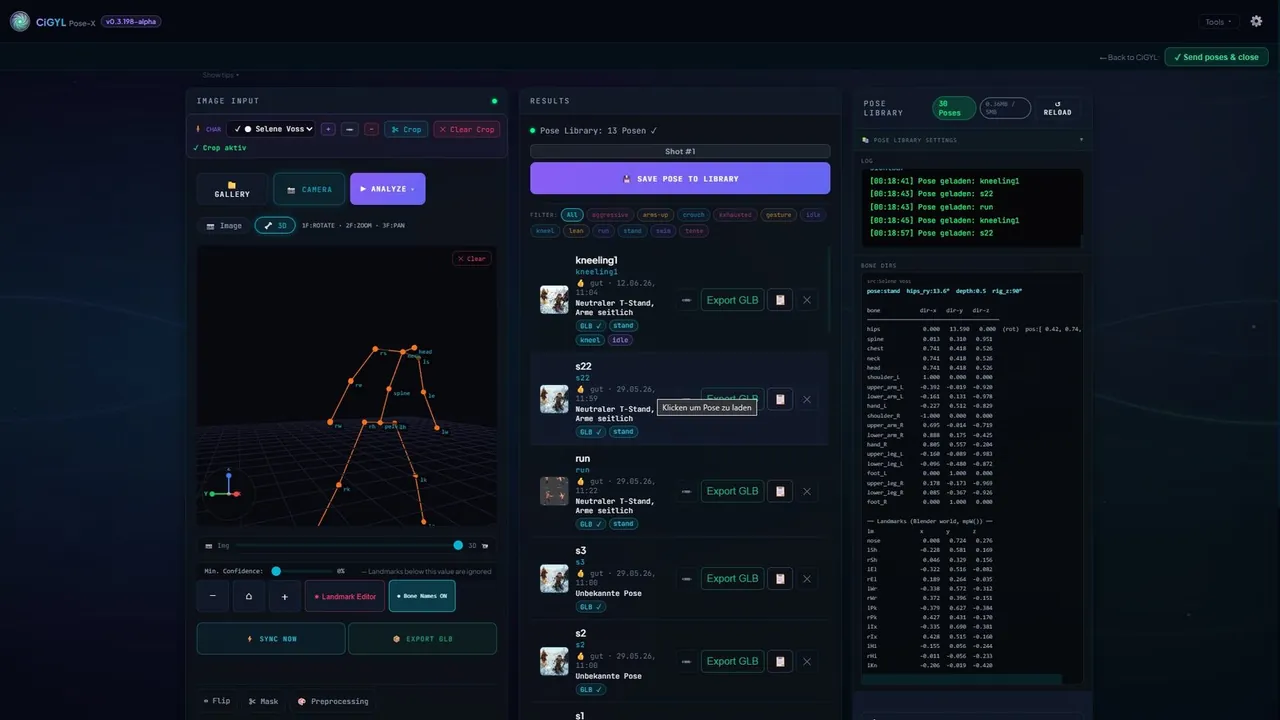
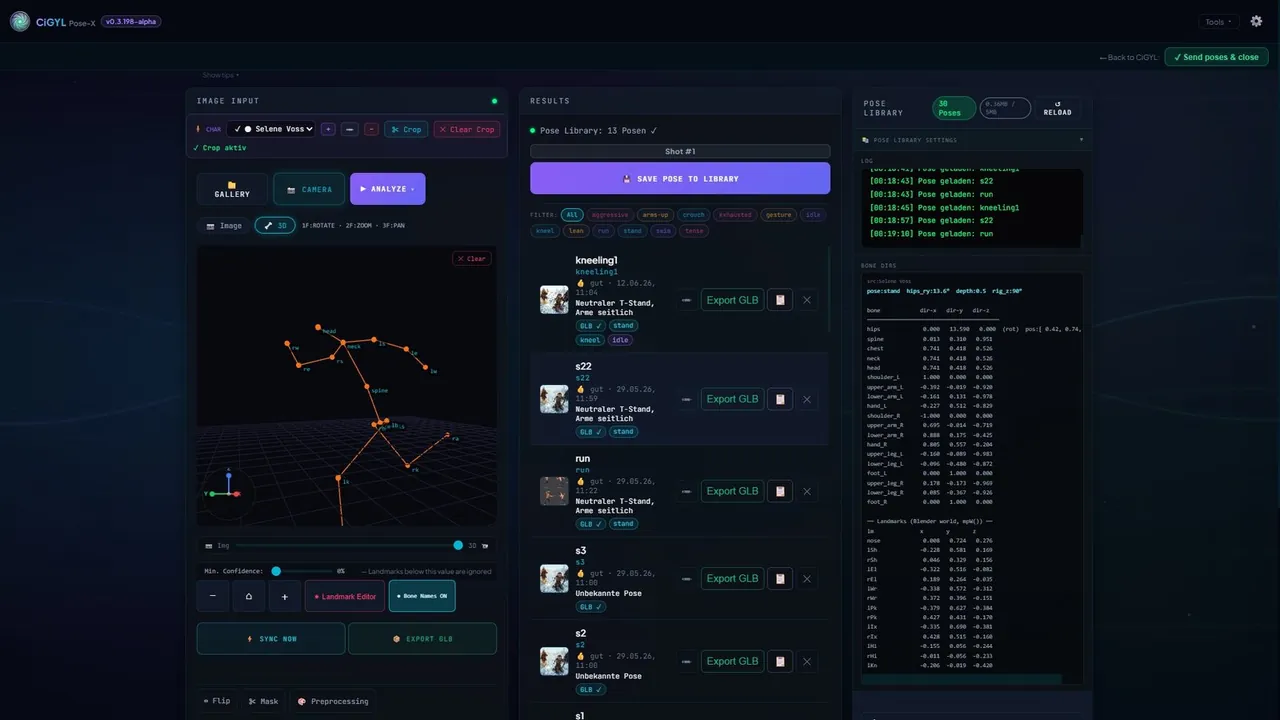
A standalone tool that pulls a full 3D body pose — 33 landmarks — from any image or phone snap, right in the browser. Use it on its own or to pose characters in your shots.
Two-Way Sync with Blender & Unreal Engine 5
When your scene is ready, CiGYL pushes the whole thing — cameras, timings, poses and rigged meshes — straight into Blender or Unreal Engine 5, with shot folders and naming created for you. Move a camera in the engine and the change flows back to the browser. Editing timelines export to DaVinci Resolve, and finished renders swap in for your proxies automatically.
From Idea to Engine in Minutes
Build the Foundation
Define your characters and locations in the Hub. Upload sketches or let the AI generate reference sheets and location blueprints. Drop your storyboard pages in and they're split into structured shots. Use the timeline to feel out pacing and rhythm — right in the browser.
Build in 3D
Reconstruct the set from your reference in the Scene Generator, then stage cameras and actors shot by shot in the Shot Generator. Populate the room with assets from the Asset Generator, and rig your characters with the Bone Generator — all without leaving the tab.
Sync to Your Engine
One click sends the whole scene to Blender or Unreal Engine 5 — cameras, poses, NLA tracks and a clean folder structure, generated for you. Editing timelines export to DaVinci Resolve. Changes made in the engine flow back to the browser, so nothing goes stale.
Frequently Asked Questions
Is CiGYL really free?
Yes — accounts created during the beta get completely free lifetime access. No credit card, no subscription. Everything that's in the beta stays free forever, including updates. Cloud features are planned down the line and will cost a little, but they'll be entirely optional.
Do I need to install anything?
No. CiGYL runs entirely in your browser, on any OS. The only optional installs are the Blender & Unreal add-ons that sync between CiGYL and your DCC. (More DCCs will follow once the Blender & Unreal integrations are production-ready.)
Do I need an AI API key?
No. AI is an optional accelerator. You can write your own descriptions and upload your own images without any key. For AI features, add your own key (BYOK) and pay the provider directly.
Is CiGYL a browser-based DCC?
Yes — CiGYL is a browser-based DCC that runs 100% in your browser, on any OS, with nothing to install. It's built for directors and pre-production rather than a full replacement for a desktop DCC like Blender or Maya.
You can storyboard, build and light 3D scenes, rig and pose characters, then sync out to your engine. The only optional installs are the Blender & Unreal add-ons.
Heads-up: the two-way sync is currently unstable and partly still being implemented — a big overhaul is landing soon.
Is CiGYL an AI-powered DCC / AI 3D tool?
Yes. CiGYL is an AI-powered DCC: AI assists with storyboards, reference sheets, AI 3D modeling and relighting. It's always optional and BYOK — bring your own key and pay the provider directly — and you can do everything by hand without any AI at all.
Which software does the Bridge connect to?
Blender and Unreal Engine 5, through the bidirectional Bridge (together with Pose-X & Stage-X). Right now the two-way sync is temporarily unstable while a big overhaul lands alongside the new Scene Generator update — it's already tested and coming back very soon.
Can I sync Blender to Unreal Engine 5? WIP
That's exactly what the two-way DCC Bridge is built for — push a scene from the browser into Blender or Unreal Engine 5 and have changes flow back. Honest status: the two-way sync is temporarily offline while a big overhaul lands alongside the new Scene Generator. It's already tested and coming back very soon.
What is Stage-X?
A standalone tool that analyzes a single reference photo to extract its real focal length, field of view and spatial layout — useful for matching cameras to a look.
What is Pose-X?
A standalone tool that extracts a full 3D body pose (33 landmarks) from any image or phone photo — directly in your browser. Use it on its own or to pose characters in your shots.
Can I export my storyboard as PDF?
Yes. Export professional PDFs — storyboard sheets, character sheets and location sheets — with one click.
Where is my data stored?
Everything is stored locally, on your own machine — your projects are never uploaded to any server. You just pick a folder on your hard drive and everything lives there. You can even drop that folder into your cloud drive and share it, so others can open your project.
Does CiGYL support collaborative work?
Not yet — but it's on the way. Real-time collaboration, so several people can work on the same project at once, is one of the major next steps. Stay tuned.
Can I use CiGYL for commercial projects?
Yes. Whatever you create is yours — use it freely, including in commercial productions.
What's Coming Next
Here's what's next — roughly in the order we're building it.
Full DCC Sync — Blender & Unreal
The big one: a rock-solid two-way Bridge that carries your entire 3D scene — proxy sets, high-quality assets, shots, poses and cameras — straight into Blender and Unreal Engine 5, with FOV-exact cameras, metric transforms and every change flowing back in real time. Already tested; landing very soon.
Cloud Save & Collaboration
Save your projects to the cloud and work on the same scene together in real time. Open your work from any device — your storyboard always with you, always up to date.
AI Video Generation
Turn your shots and storyboard frames into AI-generated video clips, right inside the timeline — a quick way to feel out motion and pacing.
Style Board
Feed reference images for visual style, camera, lighting and character look, and CiGYL steers every AI generation to match your film's aesthetic — consistently, across the whole project.
More AI Models
A growing roster of text, image and 3D-mesh providers, so you can pick the best model for each task — always through your own keys (BYOK).
Relation Board
A visual narrative graph and timeline editor — map character relationships, story arcs and location states across acts on a single canvas. Built for stories of any complexity.
The developer behind CiGYL

I'm André Graf, a technical artist and pipeline developer based in Hamburg, and I'm building CiGYL.
For the past several years I've worked inside virtual production studios and 3D pipelines — most recently at DOCK11, a virtual production studio built around real-time, greenscreen-based hybrid productions, and before that at Since Idea across dozens of client projects spanning games, architecture visualization, and film. My job, in every version of it, has been the same: take whatever a director, artist, or producer needs to make, and build the pipeline that gets it there without breaking under revisions.
Somewhere along the way I got tired of watching the same problem repeat itself. A storyboard gets drawn. Then someone spends hours or days manually rebuilding it in Unreal or Blender — placing cameras, matching lenses, blocking scenes by hand — before anyone can actually judge whether the shot works. Every note from the director means doing it again. I've built internal tools to shrink that gap before; CiGYL is what happens when I stop patching it project by project and just build the bridge properly.
CiGYL is a solo project. I design the architecture and make every product decision myself, and I build it with AI-assisted development — which is also why CiGYL's own philosophy is “AI as accelerator, never as requirement.” Every AI-powered feature in the app can be skipped entirely in favor of doing it by hand, because that's exactly how I think tools like this should work: useful when you want the speed, invisible when you don't.
CiGYL is currently in open beta, free to use, with a bring-your-own-key model so there's no subscription and no central server cost standing between you and the tool. I'm building it in the open, in public, one working module at a time — and I read every bit of feedback that comes through Discord myself.
If you make films, games, or previz and you've felt this friction too, I'd genuinely like to hear about it.
And if you'd like to support the project: follow along below.
A like or subscription on YouTube genuinely helps more than you'd think.
It's just me building this, so every bit counts. 🙏